Introduction to Fractals
A Bit of History
The word "Fractal" was coined in 1975 by Poland born, France educated, and naturalized American mathematician Benoit Mandelbrot(1924 - )(who was born in 1924 and whose last name means "almond bread" in German.) to describe shapes which are detailed at all scales.
The word is a variant of "fractional",since a fractal is a type of fractional dimension found in many naturally occuring physical phenomena.
Its Latin root is "fractus",which is recognizable in the native English break, suggesting fragmented, broken and discontinuous.
As a result, the word "fractal" is now used not only for objects with fractional dimension, but also for those with the property of repeating
self-similar shapes even when they do not have a characteristic of fractional dimesion.
The first mathematical fractal was discovered in 1861 by
Karl Weierstrass(1815 - 1897).
Weierstrass's function was ,although continuous,completely made of corners, and nowhere differentiable.
It was not possible to define the rate of change anywhere.
This was a shock to the scientists of the day, and it was named "pathological curve".
The Cantor Set,which is now named after the German mathematician
Georg Cantor(1845 - 1918), the student of Weierstrass, is one of the
first fractals
to be studied mathematically. It was the year 1883.
But this was actually discovered by Henry Smith(1826 - 1883),
a professor of geometry at Oxford , in 1875.
The Cantor set has no length, and in mathematical terms,it has "zero measure". But how about its dimension ?
Mathematicians began searching for a new way of defining dimension.
Around 1890, an Italian mathemtician
Giuseppe Peano(1858 - 1932) surprised the mathematical world by dicovering what was called
"space-filling curve". His curve was constructed in such a way that there was no point on the plane that its twisted curve would not include.
It means that a line, which is considered as one dimensional object, has one to one mapping to all the points on the plane, which is
two dimensional.
The other "pathological" curve was discovered in 1904 by a Swedish mathematician
Helge von Koch(1870 - 1924).
The finished curve,though contained in a finite area, has an infinite length ,
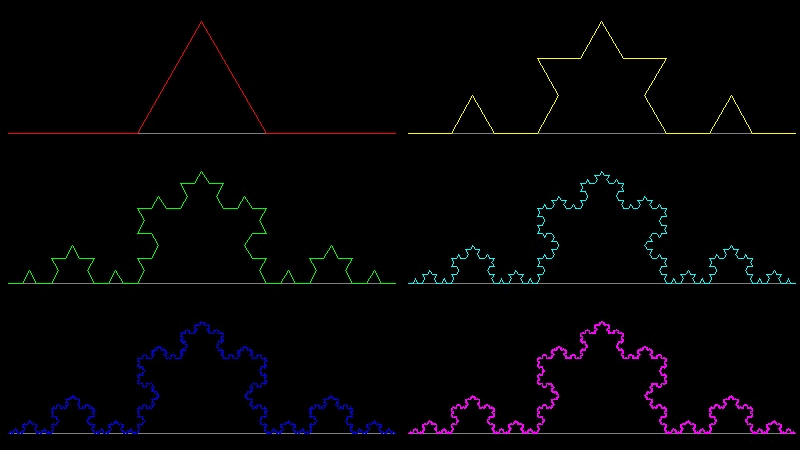
and has no smoothness, or tangent anywhere. It is now called Koch's snowflake or simply Koch curve.
What he did not know was that its property
of infinite length can be used as an ideal model for the shapes of the real world like coastlines,
and its dimension was later found being equal to (log 4)/(log 3) = 1.26... (it is fractal !!).
In 1916, the polish mathematician
Waclaw Sierpinski(1882 - 1969) introduced a fractal now called "Sierpinski Gasket" or
"Sierpinski Triangle".
Nowadays this fractal model figure can be seen in almost any books writtten about the topic of fractal.
During the late 19-th and early 20-th entury, another group of mathematicians began research on what is now called
"dynamical system", by iterating simple functions .
In 1979,British mathematician
Sir Arthur Cayley(1821 - 1895)
published a problem called "Newton-Fourier Imaginary Problem", in which
he proposed a new method of finding roots of algebraic equation using Newton's method in complex plane.
He wrote at the end of his one page article :
" The solution is easy and elegant in the case of a quadric equation , but the next succeeding case of the cubic equation appears to present considerable difficulty.", and
the paper on the cubic equation case has never been published by him. The reader will soon see the reason why it is so.
This paper motivated the French mathematician
Gaston Julia(1893 - 1978) and his compatriot and competitor
Pierre Fatou (1878 - 1929)
to do reseach in area of complex iteration.
In 1918,when Julia was only 25 years old, Julia published his 199 page masterpiece Mémoire sur l'itération des fonctions rationnelles,
(concerning the iteration of a rational function) . It received the Grand Prix de l'Académie des Sciences.
Although he was famous in the 1920s, his work was essentially forgotten until Benoit Mandelbrot brought it back to prominence in the 1970s through his fundamental computer experiments.
"Julia Set" and "Fatou set" are named after these two early reserchers to honor their great contributions.
In 1980 Benoit Madelbrot discovered "Mandelbrot Set" while he was experimenting with Julia Set using high speed computers.
Since then many mathematicians joined the bandwagon ,and many words like Chaos, Dynamical System, Fractal, etc has become the household names.
The readers will see only a little bit of this history in this section. There are a lot of good books and video tape available. They are lsted in the reference section
List of animations posted on this page.(Click the text to watch animation.)
Use browser's "Back" button to come back to this page.
Table of Contents
- 1. Self-Similarity
- 2. Space Filling curves
- 3. Fractal Tree, Dragon curves
- 4. Function Iteration and Newton's method
- 5. Julia Set
- 6. Mandelbrot Set
- 7. IFS(Iterated Funtion System)
1. Self-Similarity
1.1 Cantor Set
Take a line, remove the middle third,leaving two equal lines with length one third .Next , remove the middle thirds from these two lines, and continue the process an infinite number of times.
The resulting set of points is called the Cantor set, named after the German mathematician Georg Cantor(1845 - 1918).
This is one of the first fractals to be studied mathematically.
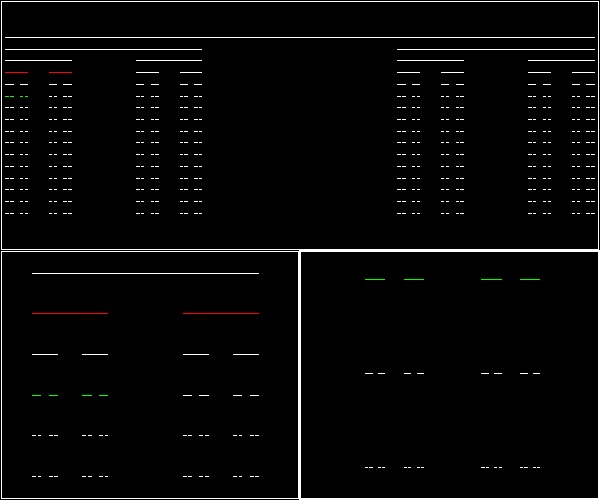
The picture below shows the first 15 steps.
One thing noticed immediately is that the zoomed pictures around "red" and "green" lines
are the scaled down copies of the total image.
This "self-similarity" is one of the characteristics of "FRACTAL".
******************************* Cantor.dwg *******************************
You can see the process in animation.
To create this drawing and animation:
Load fractal_mandelb.lsp (load "fractal_mandelb")
Then from command line, type Cantor
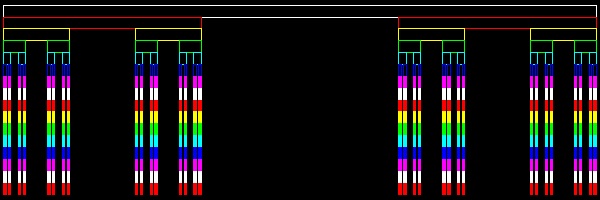
The picture below is another way of displaying Cantor set, called "Cantor comb".
***************************** Cantor_comb.dwg *****************************
To create this drawing :
Load fractal_mandelb.lsp (load "fractal_mandelb")
Then from command line, type Cantor_comb
1.2 Koch Curves
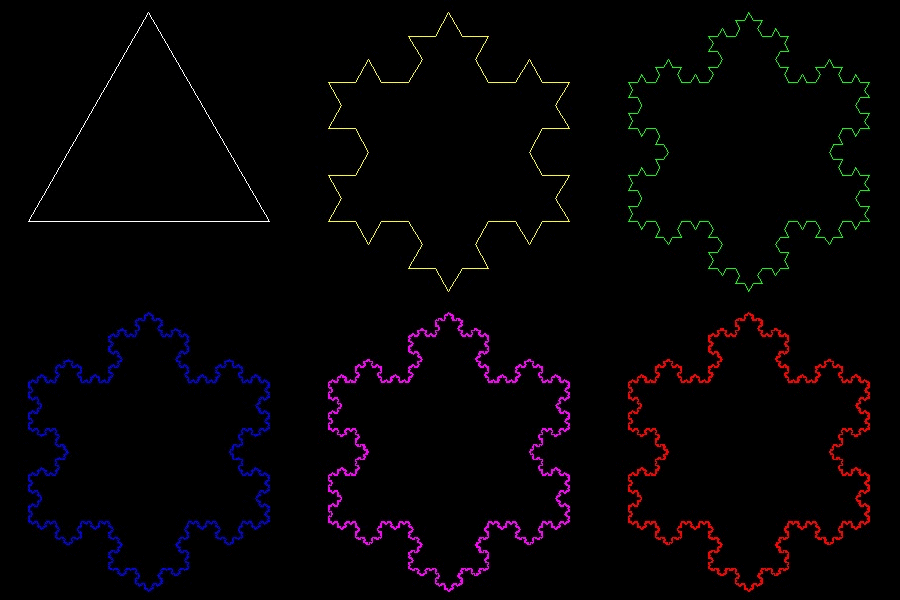
Koch Curve
| Koch_base_0.dwg Initial stage  |
Koch_base_1.dwg First step 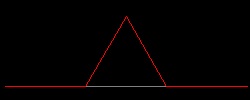 |
Koch_base_2.dwg Second step 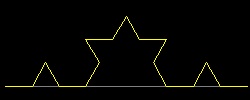 |
| Koch_base_3.dwg 3-rd step 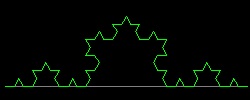 |
Koch_base_4.dwg 4-th step 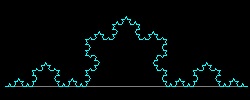 |
Koch_base_5.dwg 5-th step 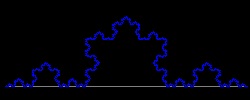 |
You can see the process in animation.
To create this drawing and animation:
Load snowflake.lsp (load "snowflake")
Then from command line, type Koch_base
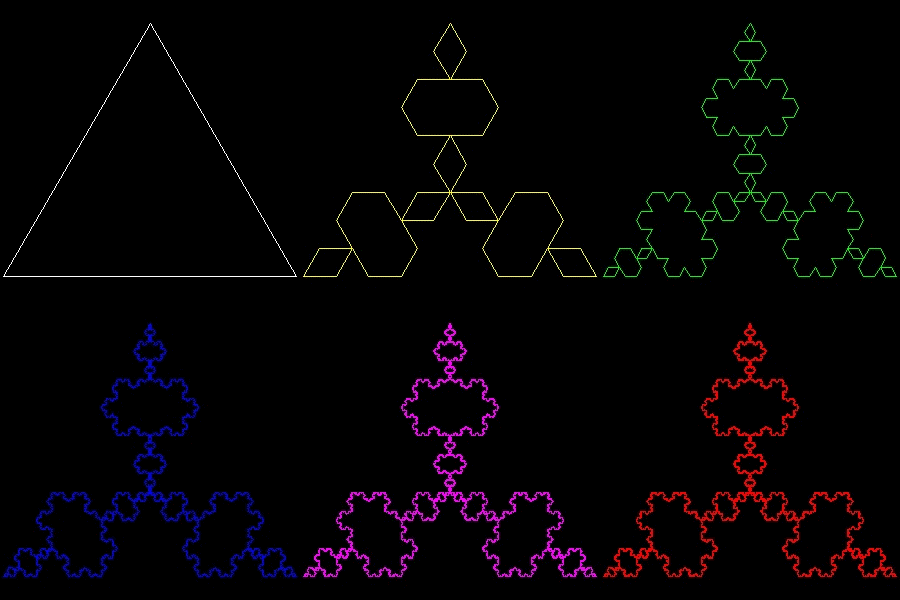
Koch's Snowflake & anti-Snowflake
| snowflake_0.dwg Initial stage 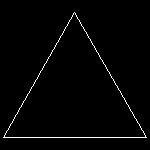 |
snowflake_1.dwg First step 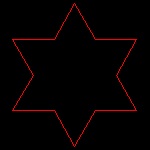 |
snowflake_2.dwg Second step 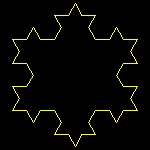 |
snowflake_3.dwg Third step 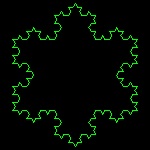 |
snowflake_4.dwg Fourth step 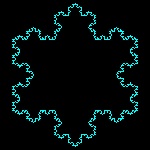 |
| snowflake_0.dwg Initial stage |
anti-snowflake_1.dwg First step 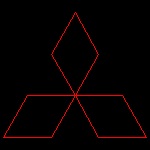 |
anti-snowflake_2.dwg Second step 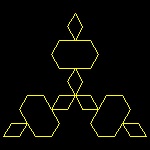 |
anti-snowflake_3.dwg Third step 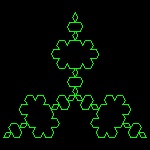 |
anti-snowflake_4.dwg Fourth step 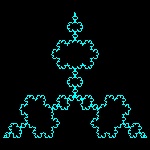 |
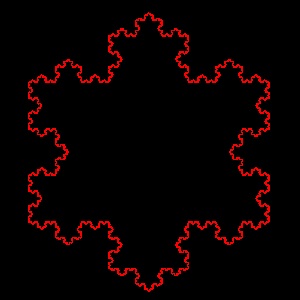
You can see the process in animation.
Snowflake animation
 |
Anti-snowflake animation
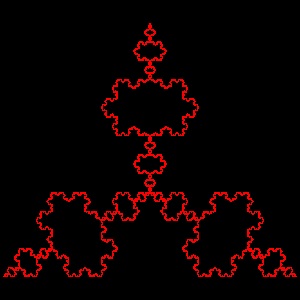 |
To create this drawing and animation:
Load snowflake.lsp (load "snowflake")
Then from command line, type Koch_1 for Snowflake case
Then from command line, type Koch_2 for Anti-Snowflake case
1.3 Blancmange Curve
| blancmange_1.dwg Initial stage 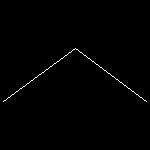 |
blancmange_2.dwg Second step 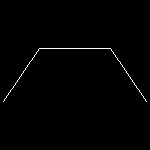 |
blancmange_3.dwg Third step 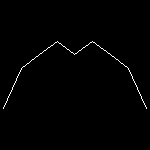 |
blancmange_4.dwg 4-th step 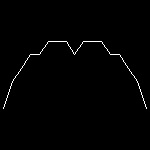 |
| blancmange_5.dwg 5-th stage 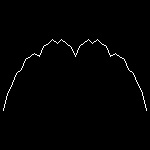 |
blancmange_6.dwg 6-th step 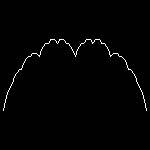 |
blancmange_7.dwg 7-th step 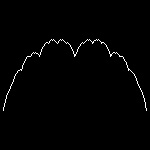 |
blancmange_8.dwg 8-th step 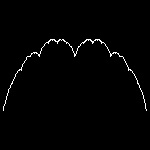 |
You can see the process in animation.
To create this drawing and animation:
Load blancmange.lsp (load "blancmange")
Then from command line, type blancmange
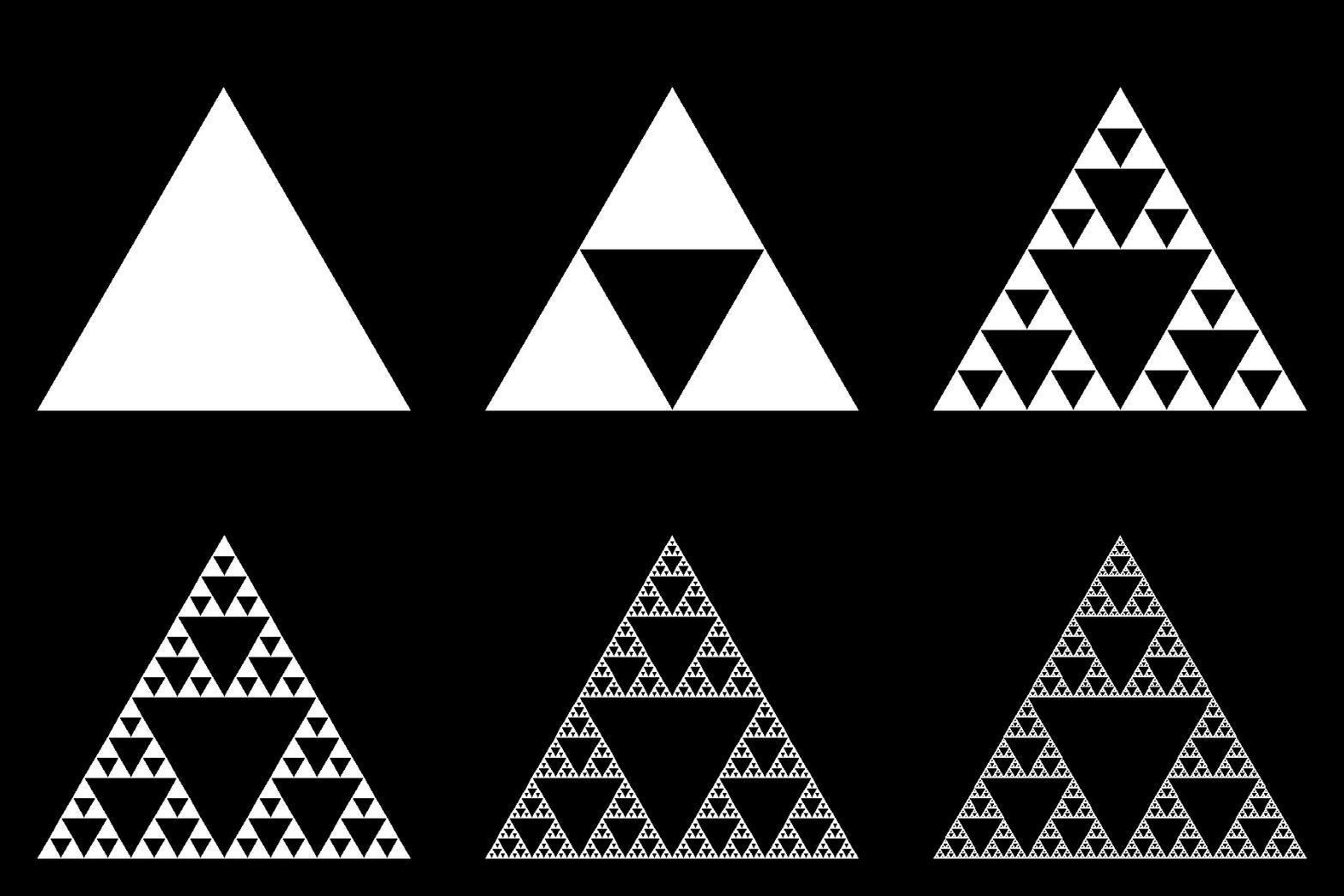
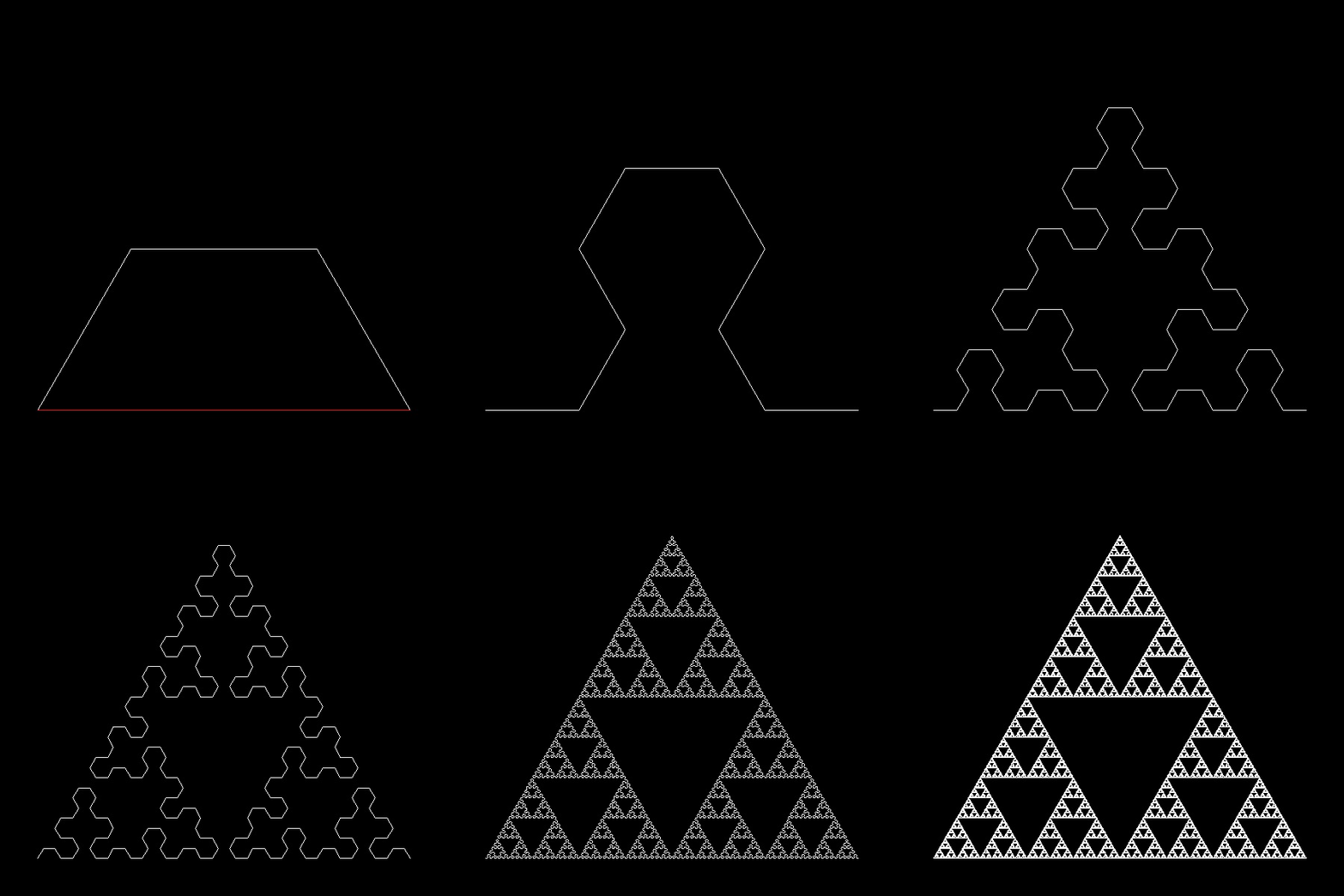
1.4 Sierpinski's Gasket
| gasket_1.dwg Initial stage 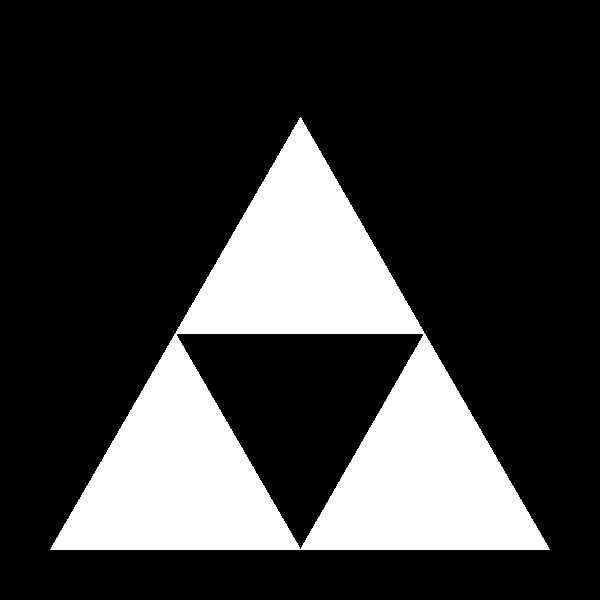 |
gasket_2.dwg Second step 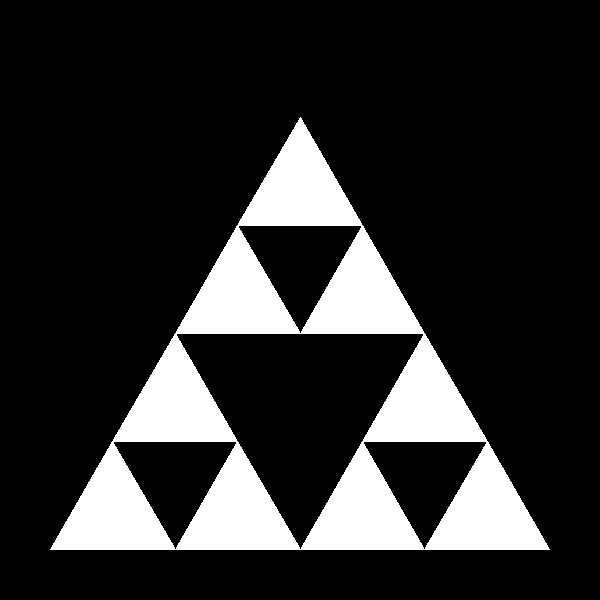 |
gasket_4.dwg 4-th step 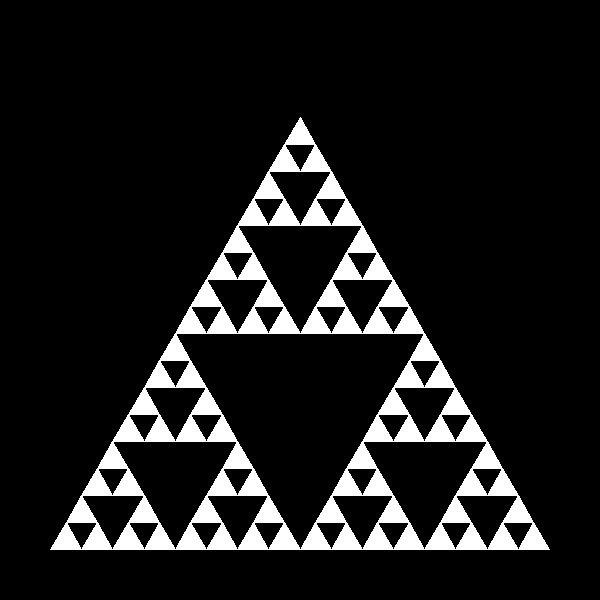 |
gasket_8.dwg 8-th step  |
| maze_1.dwg Initial stage  |
maze_2.dwg 2-nd step  |
maze_4.dwg 4-th step 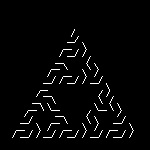 |
maze_8.dwg 8-th step 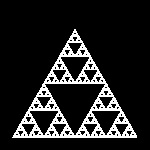 |
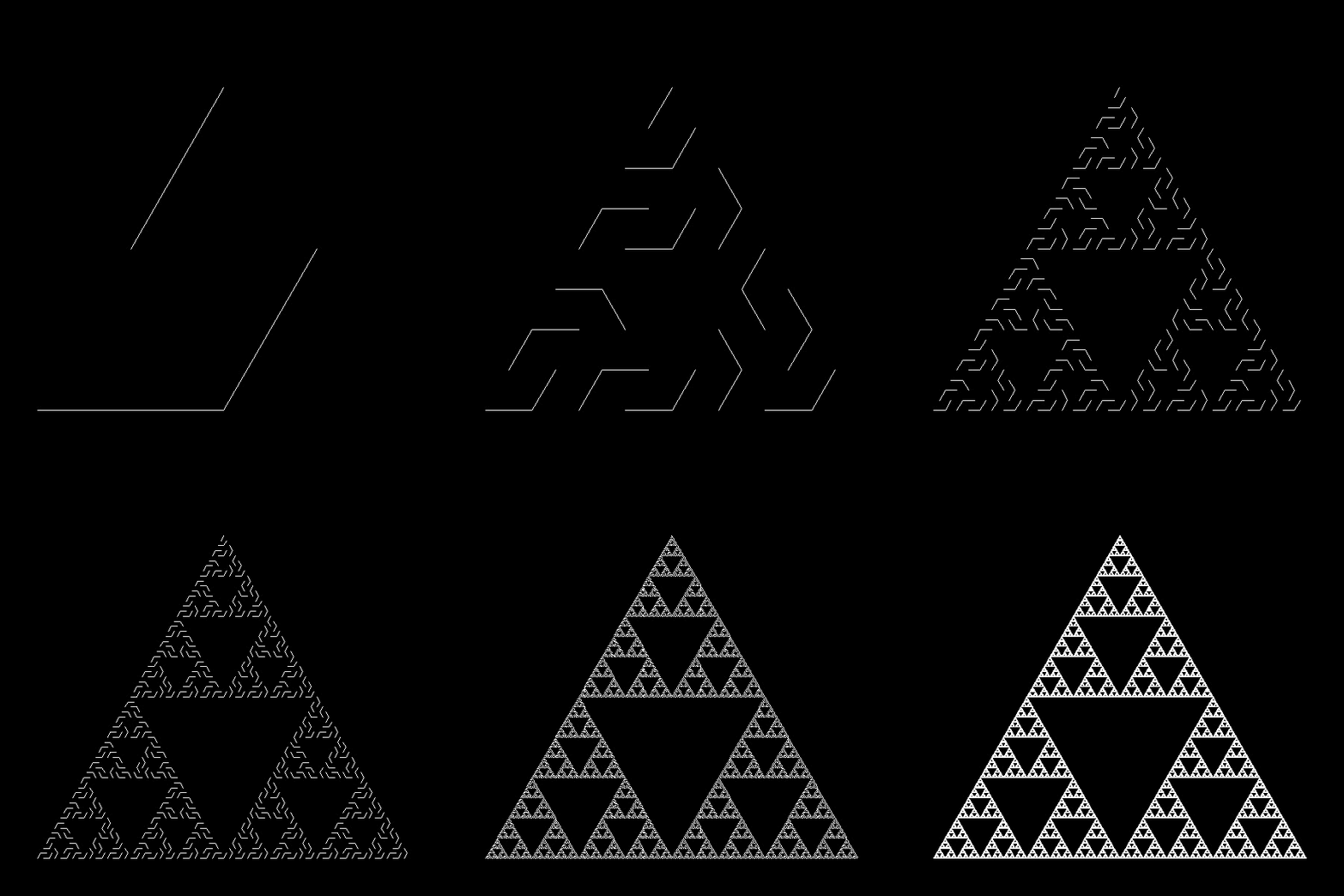
| arrowhead_1.dwg Initial stage 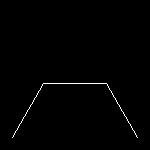 |
arrowheade_2.dwg Second step 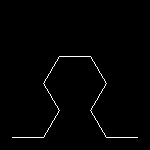 |
arrowhead_4.dwg 4-th step 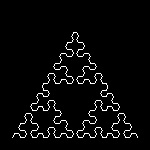 |
arrowhead_8.dwg 8-th step 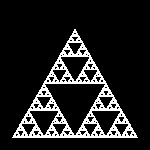 |
Sierpinski Gasket:
You can see the process in animation.
To create this drawing and animation:
Load sierpinski_gaske.lsp (load "sierpinski_gaske")
Then from command line, type sierpinski_gasket
Sierpinski maze:
You can see the process in animation.
To create this drawing and animation:
Load sierpinski_gasket.lsp (load "sierpinski_gasket")
Then from command line, type sierpinski_maze
Sierpinski arrowhead:
You can see the process in animation.
To create this drawing and animation:
Load sierpinski_gasket.lsp (load "sierpinski_gasket")
Then from command line, type sierpinski_arrowhead
Extension to square Gasket:
Gasket #1
| square_gasket_1.dwg Initial stage  |
square_gasket_2.dwg Second step 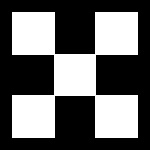 |
square_gaskett_4.dwg 4-th step 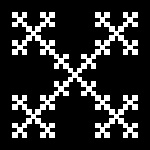 |
square_gasket_8.dwg 8-th step 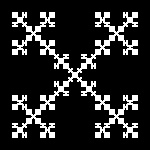 |
You can see the process in animation.
To create this drawing and animation:
Load sierpinski_gasket.lsp (load "sierpinski_gasket")
Then from command line, type square_gasket
Gasket #2
| sqr_gasket2_1.dwg Initial stage  |
sqr_gasket2_2.dwg Second step 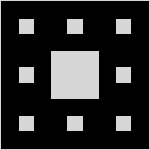 |
sqr_gasket2_4.dwg 4-th step 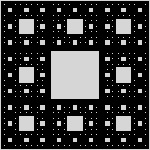 |
sqr_gasket2_7.dwg 7-th step 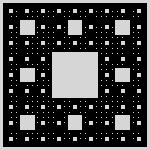 |
You can see the process in animation.
To create this drawing and animation:
Load sierpinski_gasket.lsp (load "sierpinski_gasket")
Then from command line, type square_gasket2
Extension to 3-Dimension:
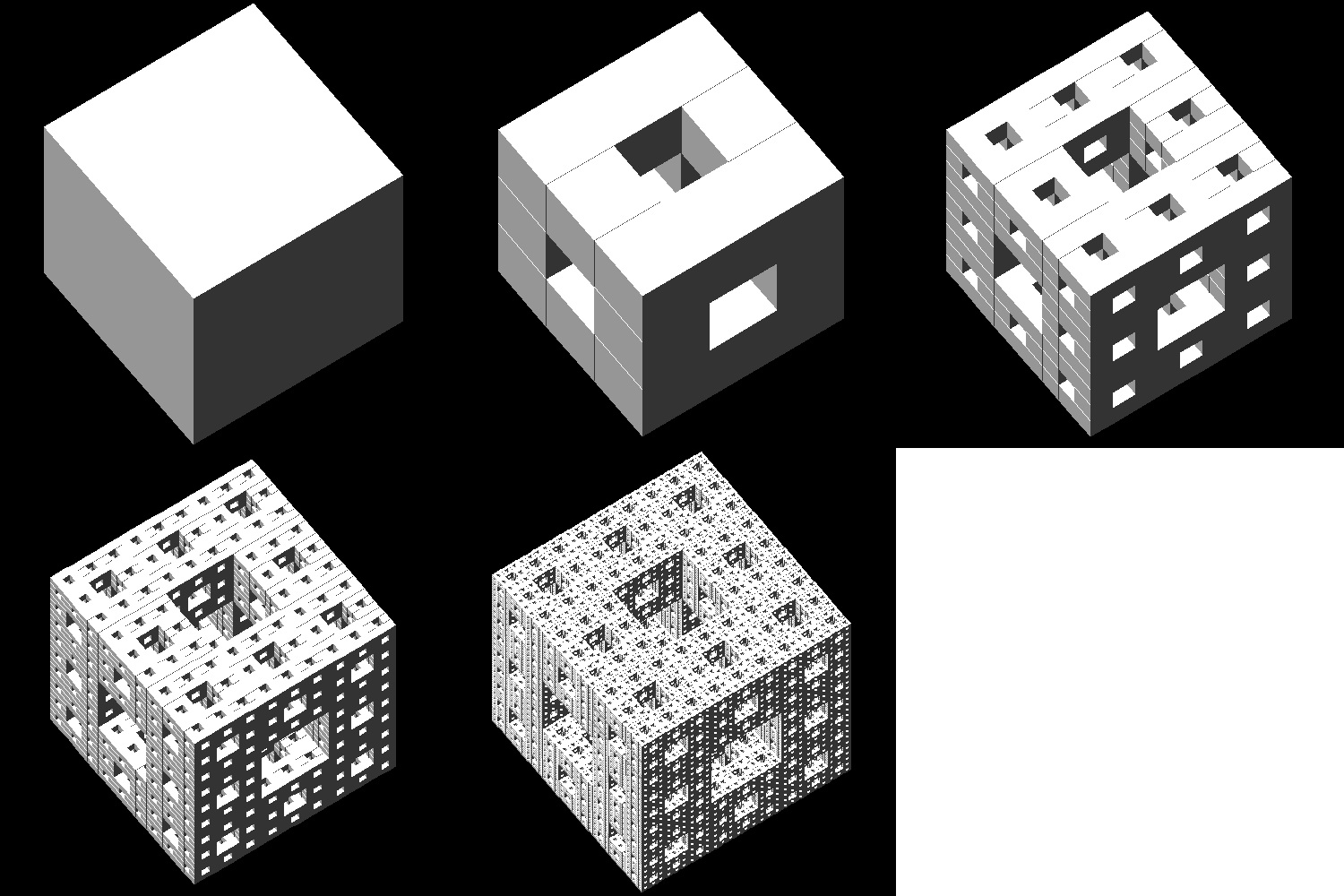
Cube Gasket
| cube_gasket_1.dwg Initial stage 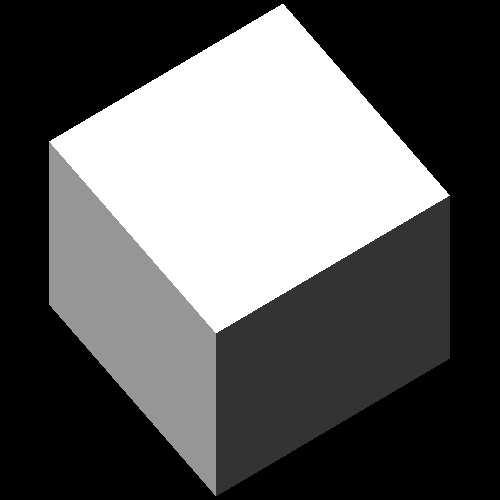 |
cubee_gasket_2.dwg Second step 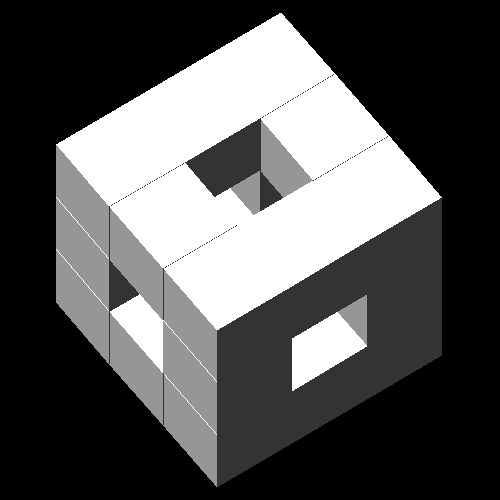 |
cube_gasket_3.dwg 3-rd step 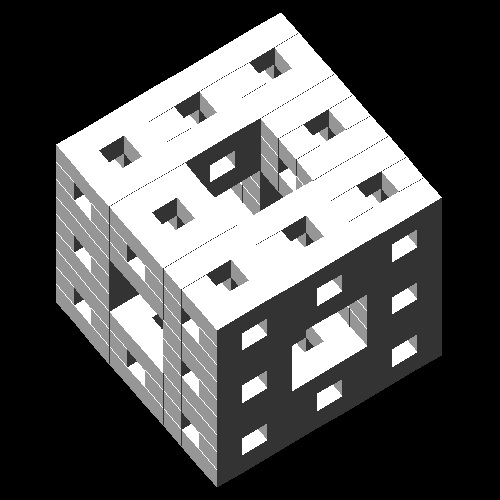 |
cube_gasket_4.dwg 4-th step 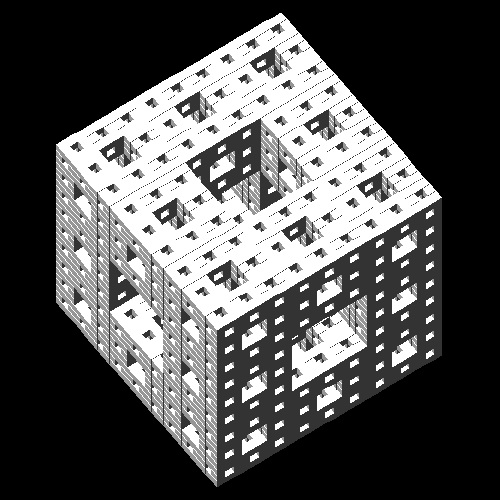 |
cube_gasket_5.dwg 5-th step 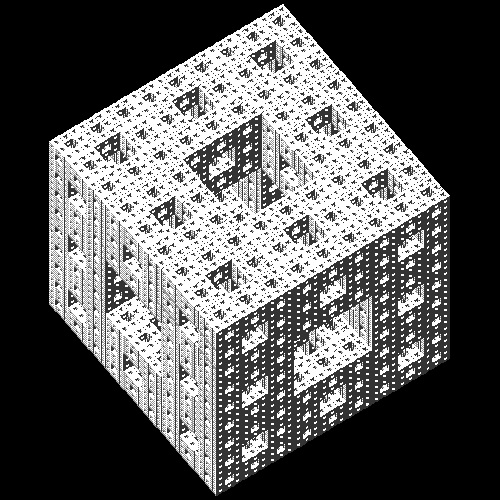 |
You can see the process in animation.
To create this drawing and animation:
Load sierpinski_gasket.lsp (load "sierpinski_gasket")
Then from command line, type cube_gasket
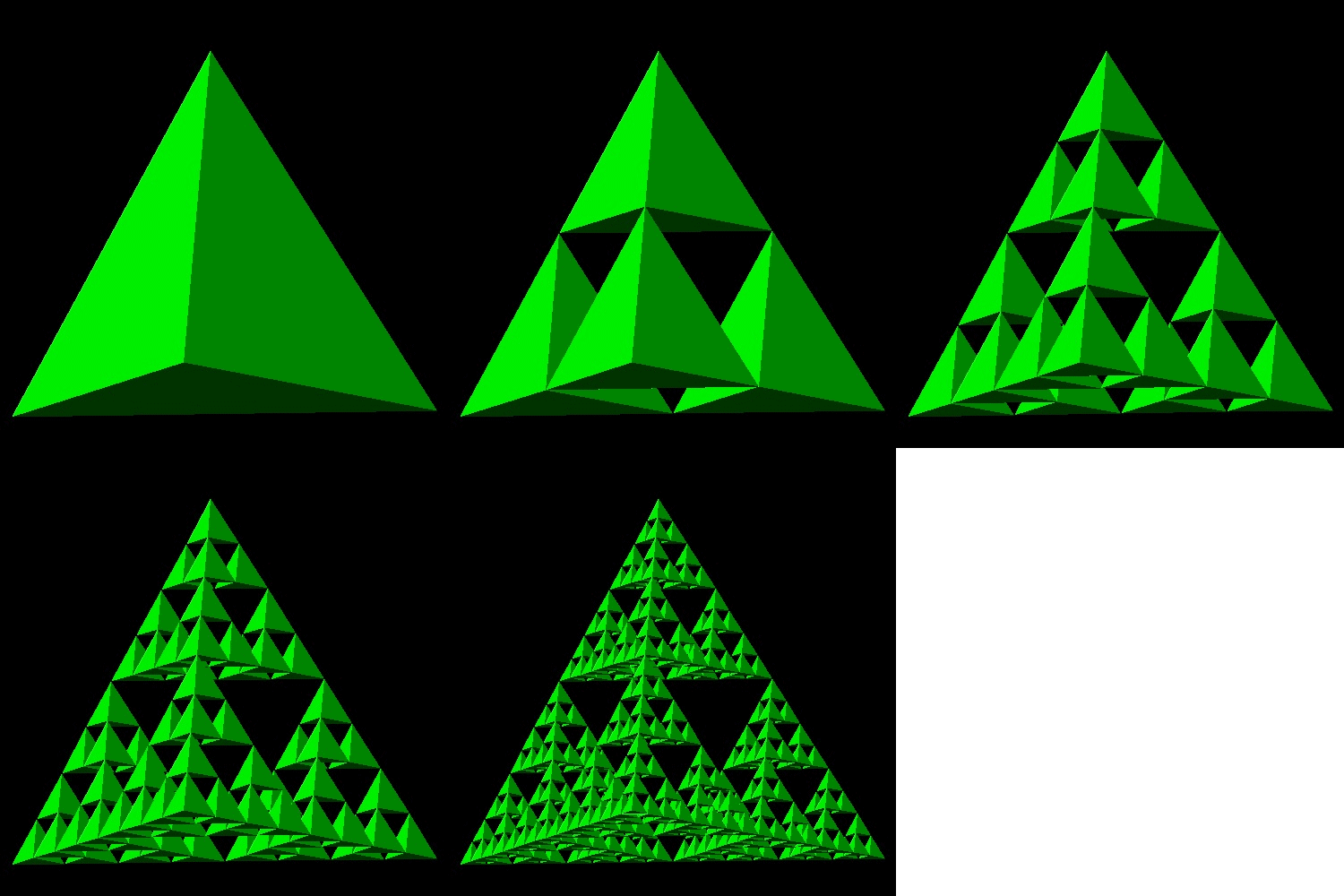
Tetra Gasket
| tetra_gasket_1.dwg Initial stage 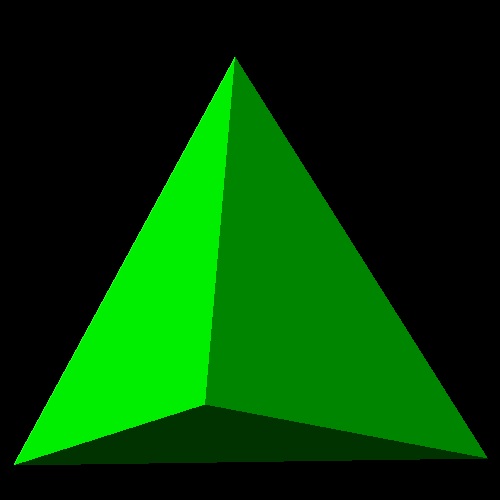 |
tetrae_gasket_2.dwg Second step 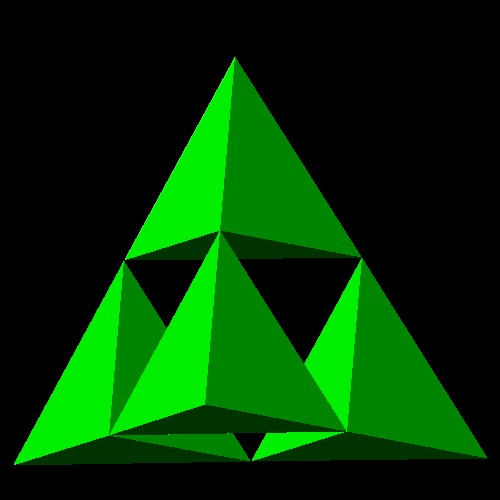 |
tetra_gasket_3.dwg 3-rd step 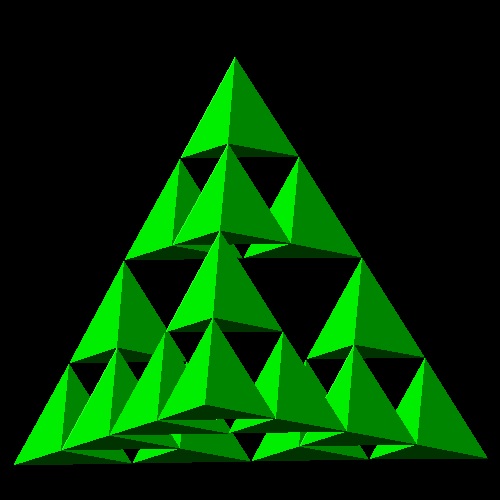 |
tetra_gasket_4.dwg 4-th step 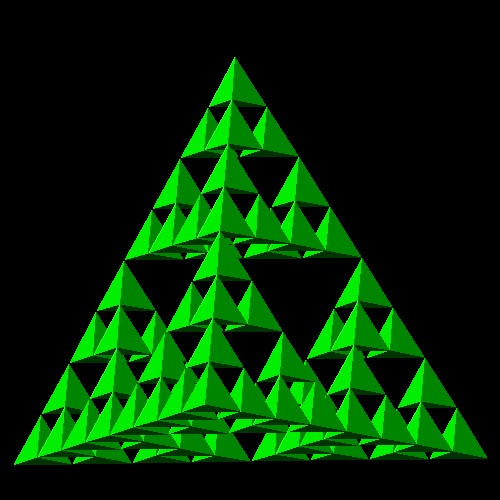 |
tetra_gasket_5.dwg 5-th step 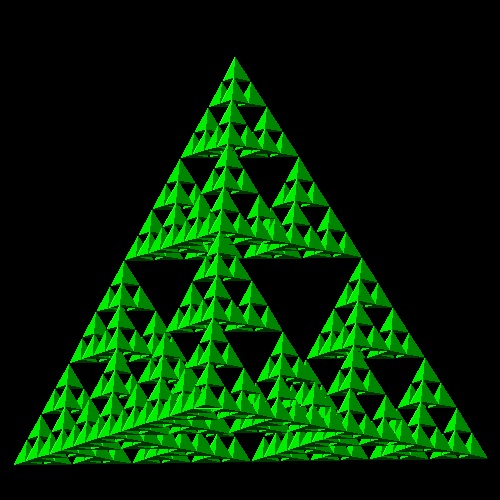 |
You can see the process in animation.
To create this drawing and animation:
Load sierpinski_gasket.lsp (load "sierpinski_gasket")
Then from command line, type tetra_gasket
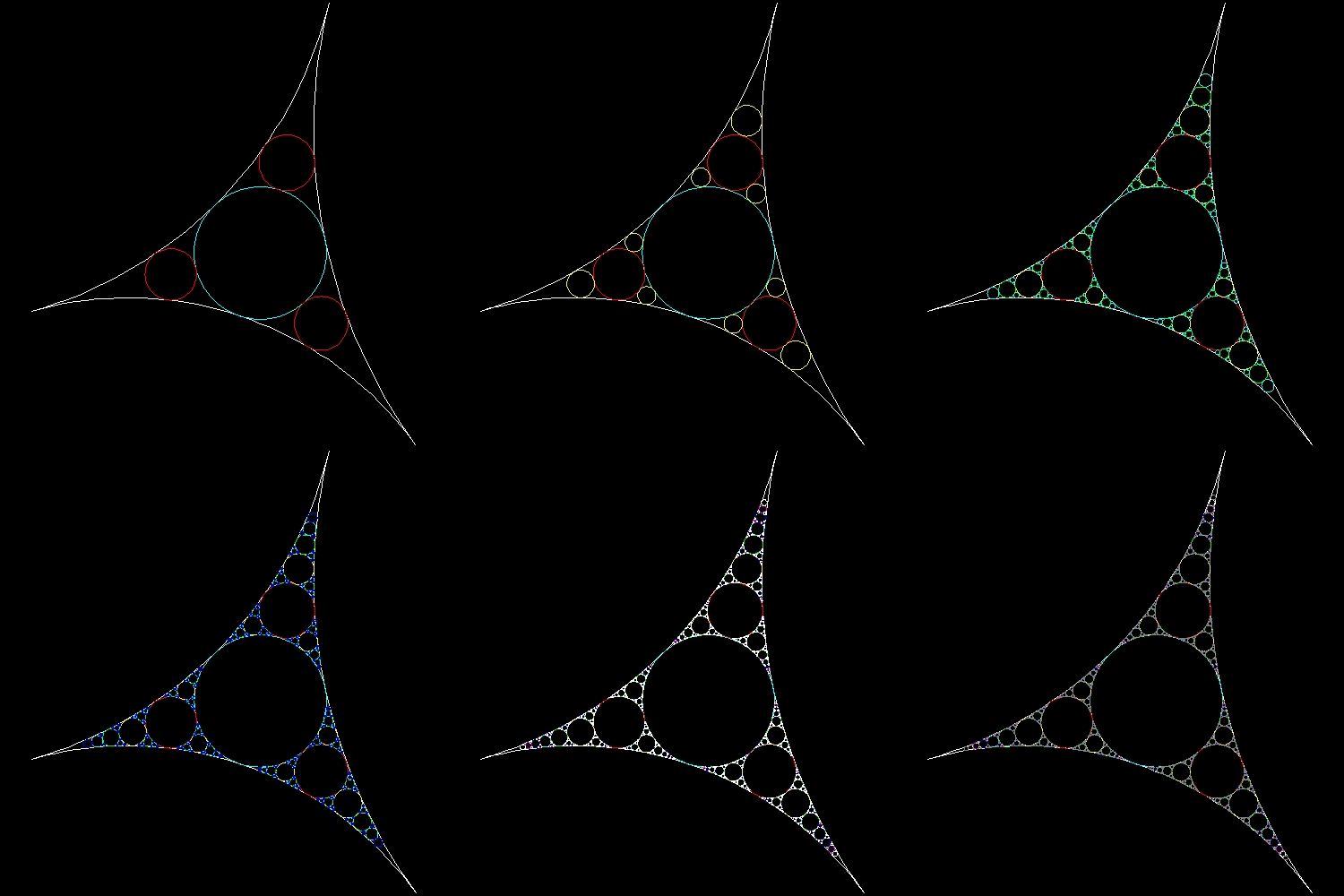
1.5 Leibnitz packing(also called Apollonian gasket or packing)
According to Ref[1], Leibnitz(1646 - 1716) described the circle packing in a letter to de Brosse,
a French aristocrat and writer in 18-th century:
"Imagine a circle;inscribe within it three other circles congruent to each other and of maximum radius;
proceed similarly within each of these circles and within each interval between them,
and imagine that the process continues to infinity..."
The points that were never inside any of the circles form a set of zero area which is more than a line
,but less than a surface.
Its fractal dimension , though its exact value is not known, lies between
1 and 2, approximately 1.3.
If drawing one inside circle tangent to three circles is level-1, then level N is accomplished by
drawing
total sum of {1 + 32 + 33 + ... + 3N-1} circles.
For example , level-9 requires drawing 9841 circles and without computer it is impossible
to draw this many circles.
Examples: From level 2 up to level 9
| circle_fill_level_2.dwg level- 2(4 circles) 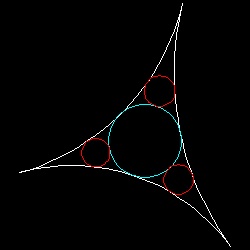 |
circle_fill_level_4.dwg level- 4(40 circles) 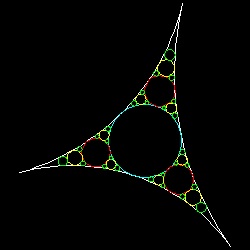 |
circle_fill_level_6.dwg level- 6(364 circles) 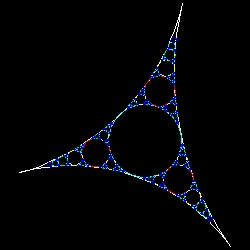 |
circle_fill_level_9.dwg level- 9(9841 circles) 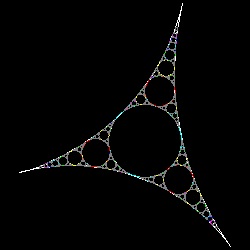 |
You can see the process in animation.
To create this drawing and animation:
First step is to open drawing named test_circle.dwg.
Load circle_fill.lsp (load "circle_fill")
Then from command line, type circle_fill and specify the level of packing.
This program has the option of filling each level of circles with corresponding colors.
This is the example for level-6.
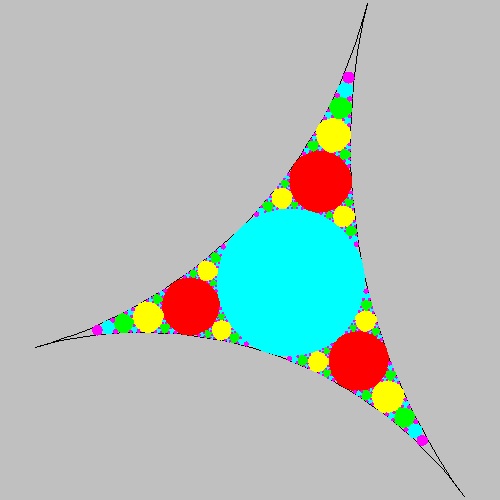
************** level_6_solid.dwg **************
**************** circle_id.dwg ****************
Note: procedure to create these circles
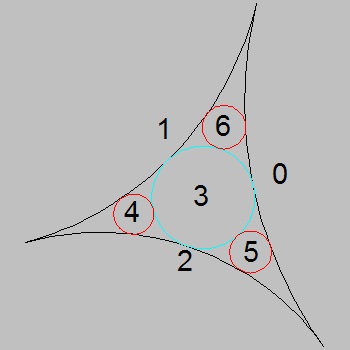
There are two key things to be considered for creating this many circles systematically:First: permutaion list for circles(refer to the figure above right- circle_id.dwg)
If the base 3 arcs are named 0,1,2 as shown, then the first circles to be created is expressed as (0 1 2).
This circle is numbered as 3, then the next 3 circles 4,5 & 6 are designated as (3 1 2), (3 2 0), & (3 0 1).
Then the next level will be (4 1 2), (4 2 3) , (4 3 1) around circle-4, and so on.
So this permultaion list (named as plist in the program) up to level 3 looks like
((0 1 2) (3 1 2) (3 2 0) (3 0 1) (4 1 2) (4 2 3) (4 3 1) (5 2 0) (5 0 3) (5 3 2) (6 0 1) (6 1 3) (6 3 0))
Second: Finding a circle tangent to 3 circles around(Apollonius circle problem)
To draw a circle, a coordinate value of the center (X,Y) and its radius R must be known.
Straight forward method is to solve the following quadratic equations :
(X - xi)2 + (Y - yi)2 = (R + ri)2
for i = 1,2,3
where xi , yi , ri are coordinate values and radii of 3 given circles.
This is the method used here by the author. But radius R can be computed totally independent of the coordinate values
using a very interesting formula found by French mathematician and philosopher René Descartes (1596 - 1650).
2(a2 + b2 +c2 +d2 ) = (a + b + c + d)2
where a,b c & d are the reciprocal of radius (i.e. a = 1/ra, ...) for 4 circles and called "bend".
There is only one formula for eight possible circles, because the bend of a circle can be counted as a negative
if another circle touches it internally.This formula was rediscovered in 1842 and again in 1936 by Sir Frederick Soddy,
the discoverer of Soddy's hexlet.
Test this formula after choosing level 2, and use compute_r4 command.
All the radii (r1,r2,r3) are set to the base circle's radii as default.
The result will match the radius of circle #3.
2. Space Filling curves
2.1 Peano's space filling Curve
| Peano_0.dwg Initial stage 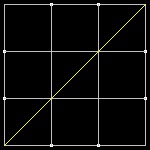 |
Peano_1.dwg Initial stage 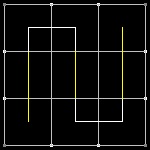 |
Peano_2.dwg First step 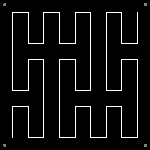 |
Peano_3.dwg Second step 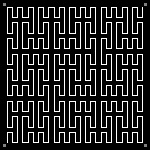 |
| Peano_0.dwg Initial stage |
Peano1_1.dwg 3-rd step 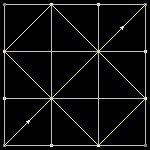 |
Peano1_1.dwg 4-th step 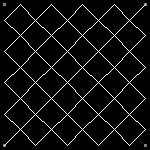 |
Peano1_3.dwg 5-th step 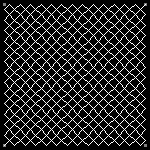 |
| Peano_0.dwg Initial stage |
Peano2_1.dwg 3-rd step 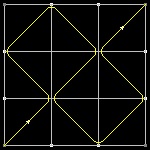 |
Peano2_2.dwg 4-th step 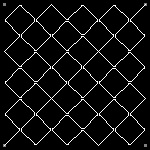 |
Peano2_3.dwg 5-th step 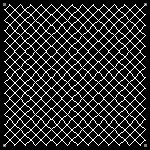 |
Peano curve:
You can see the process in animation.
To create this drawing and animation:
Load Peano.lsp (load "Peano")
Then from command line, type Peano
Peano1 curve:
You can see the process in animation.
To create this drawing and animation:
Load Peano1.lsp (load "Peano1")
Then from command line, type Peano1
Peano2 curve:
You can see the process in animation.
To create this drawing and animation:
Load Peano2.lsp (load "Peano2")
Then from command line, type Peano2
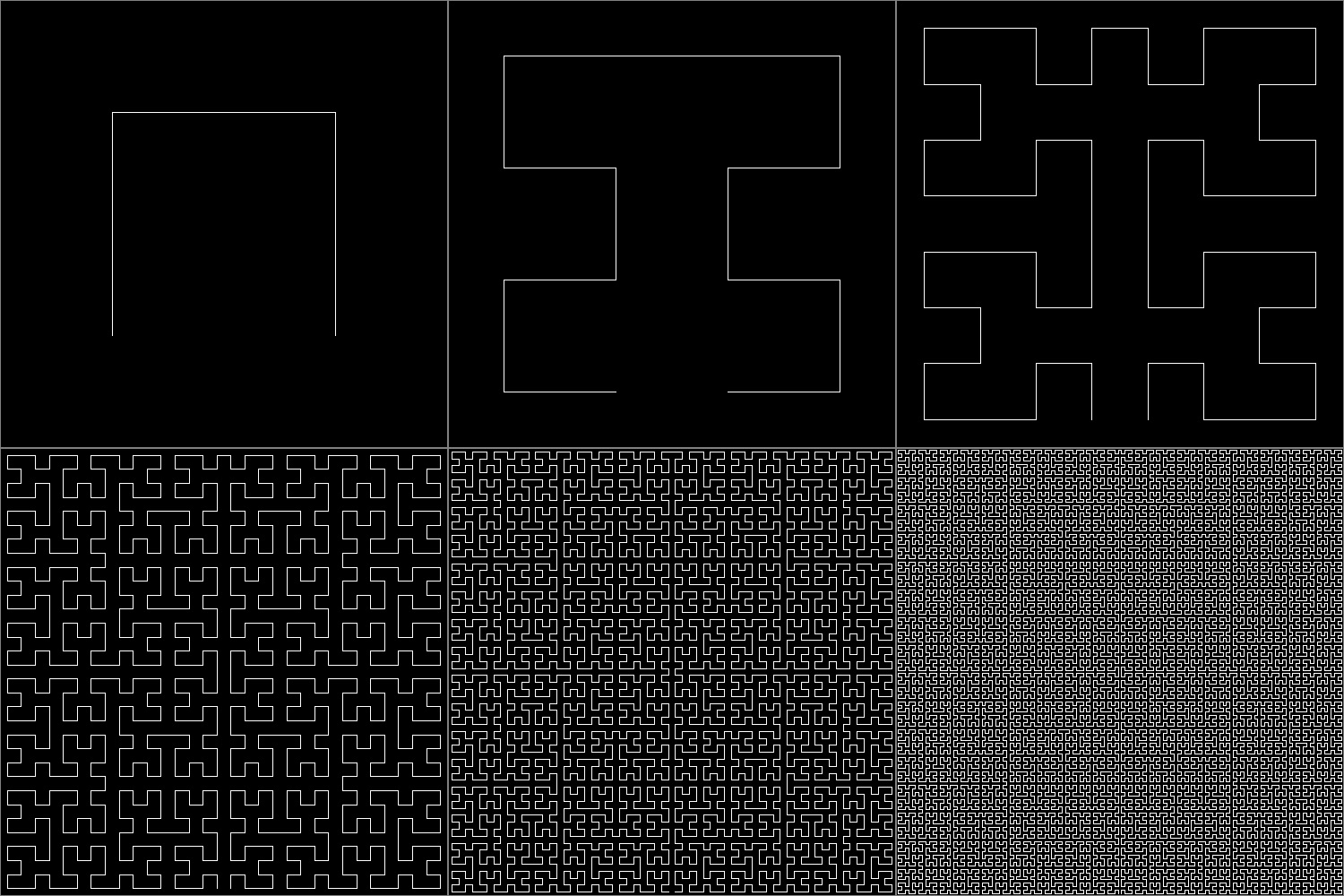
2.2 Hilbert's Space Filling Curves
| Hilbert_0_1.dwg Initial stage 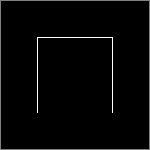 |
Hilbert_0_2.dwg Initial stage 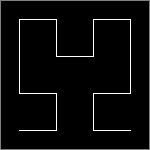 |
Hilbert_0_3.dwg First step 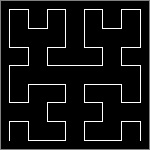 |
Hilbert_0_4.dwg Second step 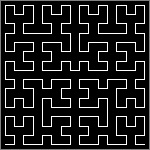 |
| Hilbert_2_0.dwg Initial stage |
Hilbert_2_2.dwg 3-rd step  |
Hilbert_2_3.dwg 4-th step 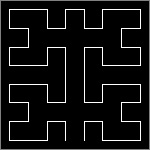 |
Hilbert_2_4.dwg 5-th step 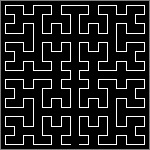 |
| Hilbert_3_1.dwg Initial stage  |
Hilbert_3_2.dwg 3-rd step 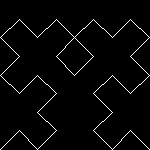 |
Hilbert_3_3.dwg 4-th step 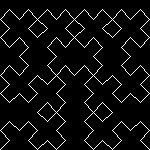 |
Hilbert_3_4.dwg 5-th step 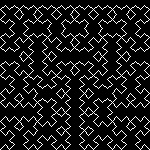 |
| Hilbert_4_1.dwg Initial stage 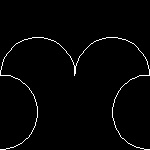 |
Hilbert_4_2.dwg 3-rd step 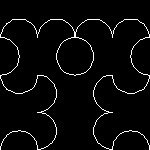 |
Hilbert_4_3.dwg 4-th step 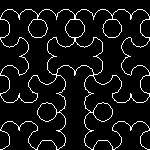 |
Hilbert_4_4.dwg 5-th step 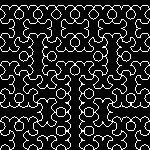 |
Hilbert's curve #1: You can see the process in animation.
To create this drawing and animation:
Load Hilbert1.lsp (load "Hilbert")
Then from command line, type Hilbert
Hilbert's curve #2:
You can see the process in animation.
To create this drawing and animation:
Load Hilbert2.lsp (load "Hilbert2")
Then from command line, type Hilbert2
Hilbert's curve #3:
You can see the process in animation.
To create this drawing and animation:
Load Hilbert3.lsp (load "Hilbert3")
Then from command line, type Hilbert3
Hilbert's curve #4:
You can see the process in animation.
To create this drawing and animation:
Load Hilbert4.lsp (load "Hilbert4")
Then from command line, type Hilbert4
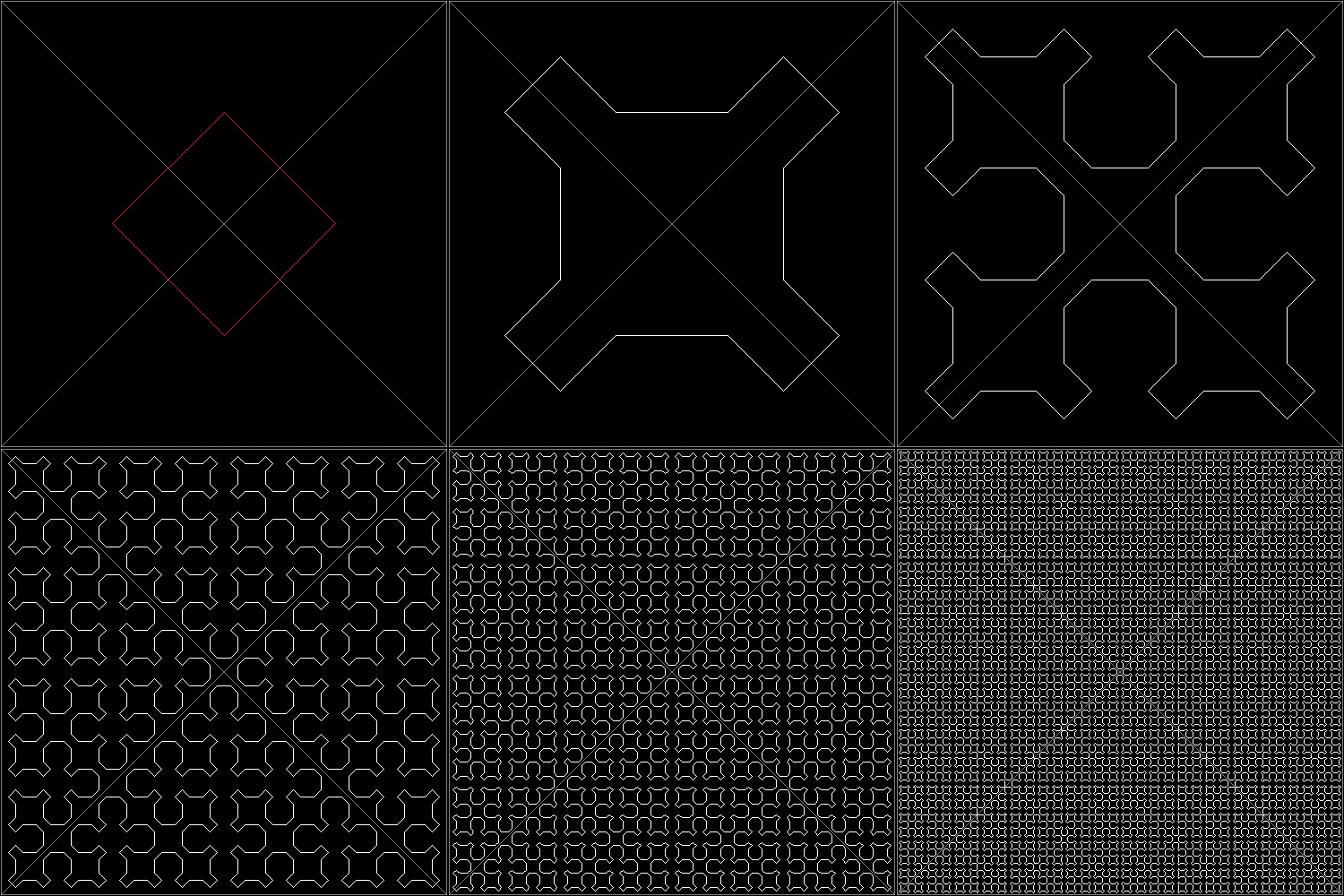
2.3 Sierpinski's Space Filling Curves
| Sierpinski_0_0.dwg Initial stage  |
Sierpinski_0_1.dwg Initial stage 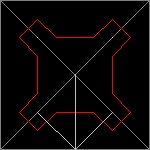 |
Sierpinski_0_2.dwg First step 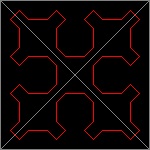 |
Sierpinski_0_3.dwg Second step 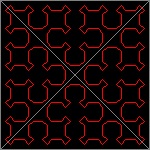 |
| Sierpinski_1_0.dwg Initial stage 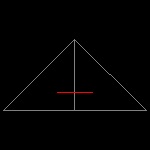 |
Sierpinski_1_1.dwg Initial stage 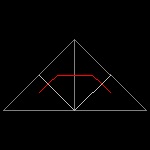 |
Sierpinski_1_2.dwg First step 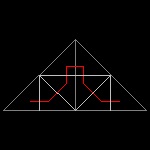 |
Sierpinski_1_3.dwg Second step 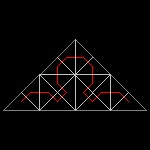 |
Sierpinski's Space filling curve: You can see the process in animation.
To create this drawing and animation:
Load Sierpinski.lsp (load "Sierpinski")
Then from command line, type Sierpinski
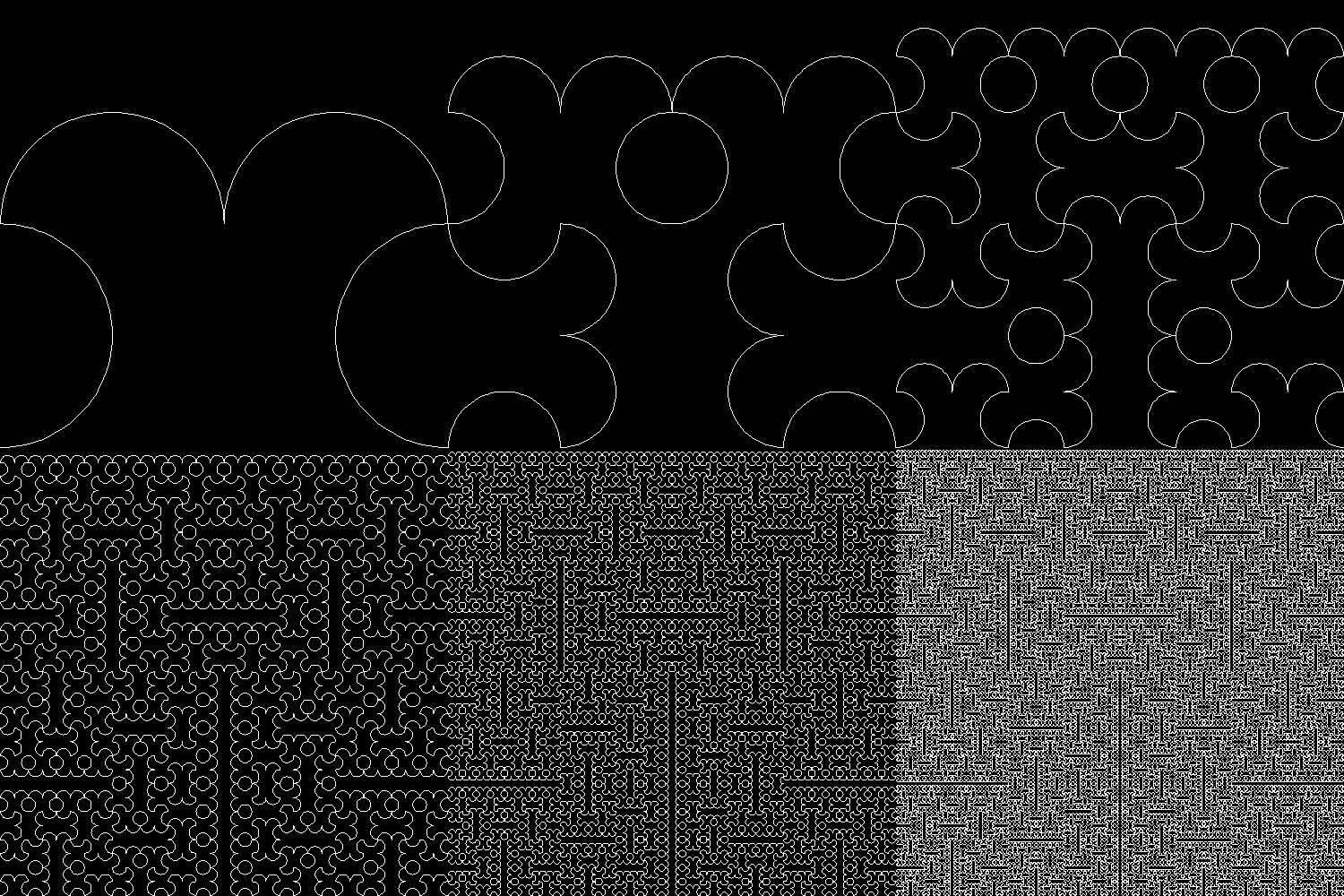
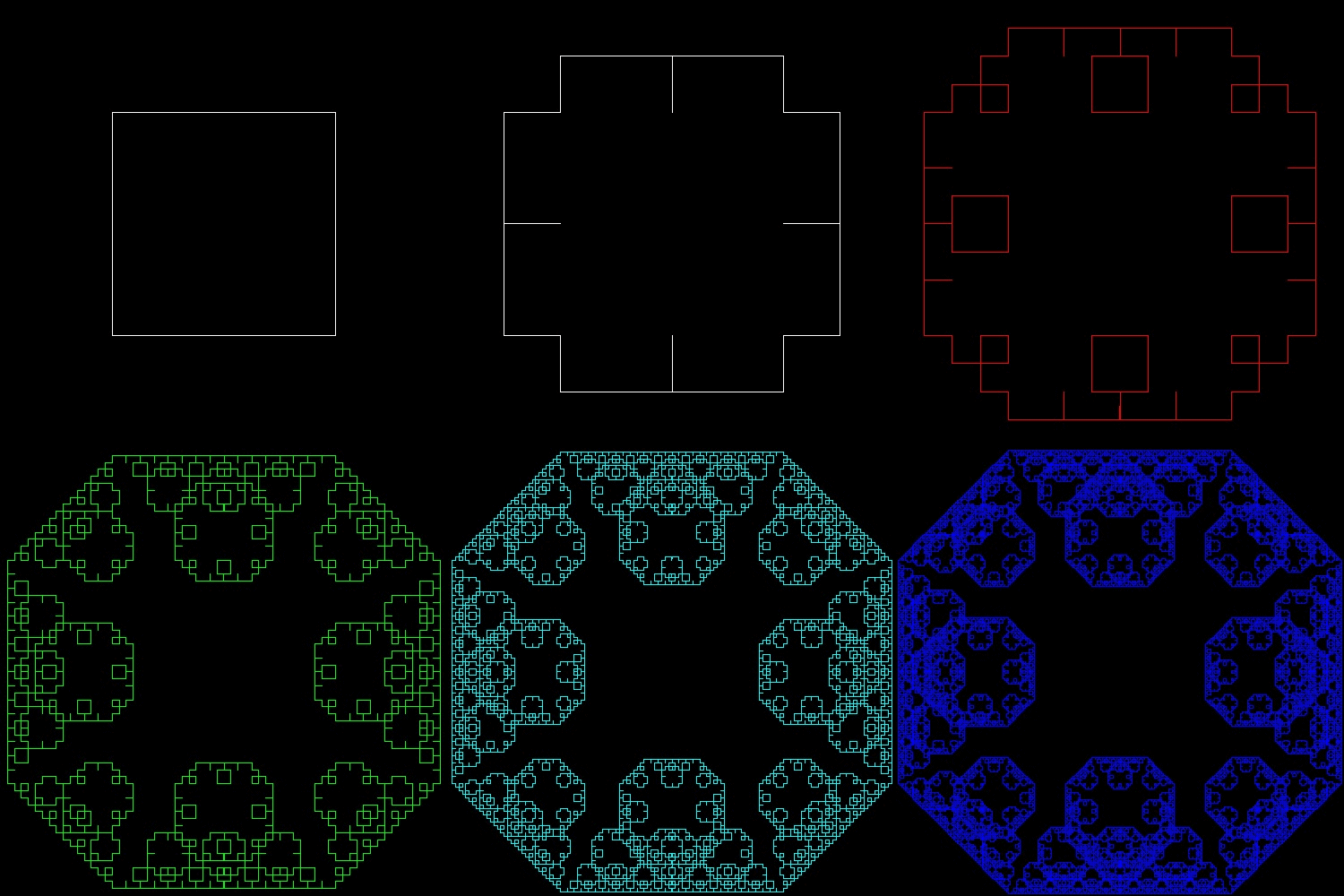
2.4 Levy's "C-shape" curve
| c_shape1_1.dwg Initial stage  |
c_shape1_2.dwg 2-nd stage 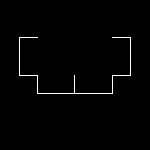 |
c_shape1_3.dwg 3-rd step 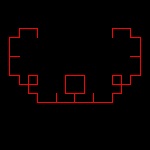 |
c_shape1_4.dwg 4-th step  |
c_shape1_5.dwg 5-th step  |
| c_shape2_1.dwg Initial stage  |
c_shape2_2.dwg 2-nd stage 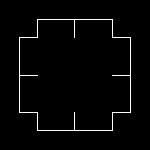 |
c_shape2_3.dwg 3-rd step 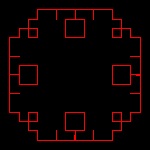 |
c_shape2_4.dwg 4-th step 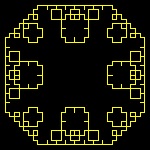 |
c_shape2_5.dwg 5-th step 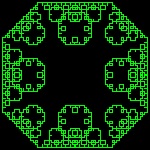 |
| c_shape3_1.dwg Initial stage 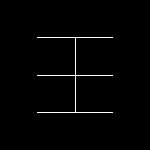 |
c_shape3_2.dwg 2-nd stage 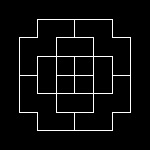 |
c_shape3_3.dwg 3-rd step 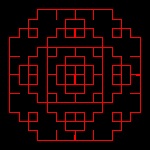 |
c_shape3_4.dwg 4-th step 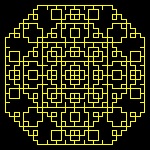 |
c_shape3_5.dwg 5-th step 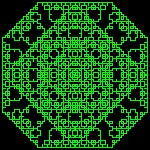 |
To create this drawing and animation:
Load c_shape.lsp (load "c_shape")
Then from command line, type c_shape1, c_shape2, & c_shape3
3. Fractal Tree, Dragon curves
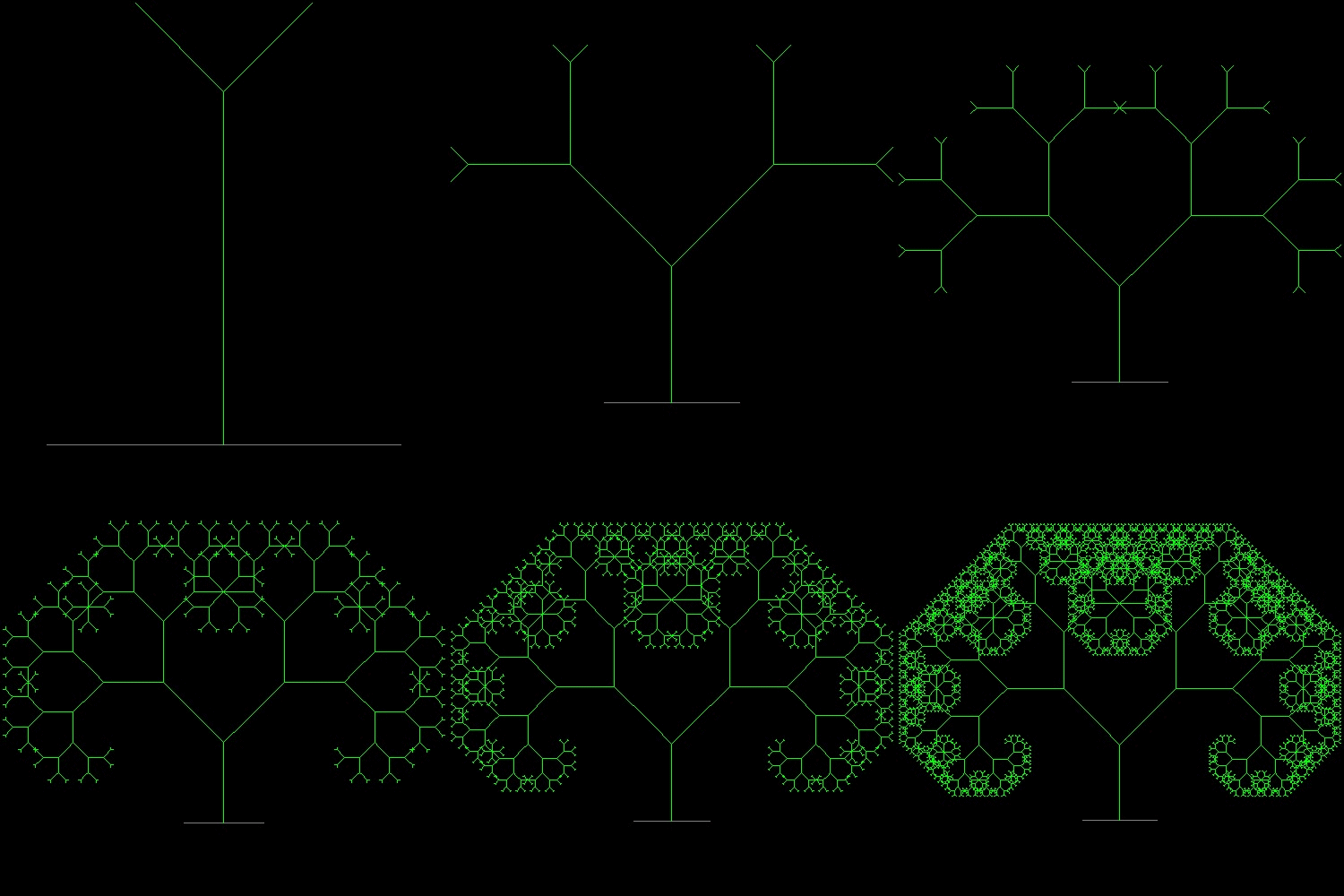
3.1 Fractal Trees (ref . ??)
| fractal_tree_2.dwg 2-nd stage  |
fractal_tree_4.dwg 4-th stage 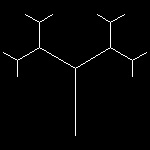 |
fractal_tree_6.dwg 6-th stage 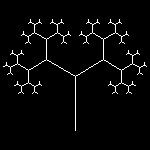 |
fractal_tree_9.dwg 9-th stage 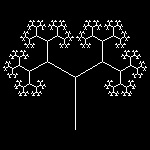 |
fractal_tree.dwg final step 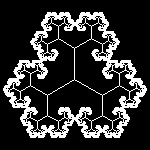 |
| tree_lune_2.dwg Initial stage  |
tree_lune_4.dwg 2-nd stage 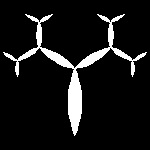 |
tree_lune_6.dwg 3-rd step 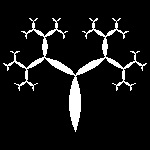 |
tree_lune_9.dwg 4-th step 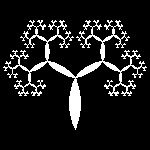 |
fractal_tree_lune.dwg 5-th step 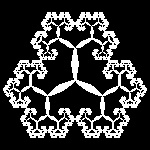 |
| tree_trig_2.dwg 2-nd stage 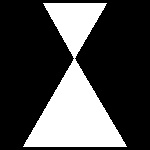 |
tree_trig_4.dwg 4-th stage 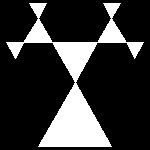 |
tree_trig_6.dwg 6-th step 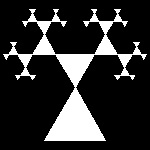 |
tree_trig_9.dwg 9-th step 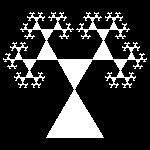 |
fractal_tree_trig.dwg final stage 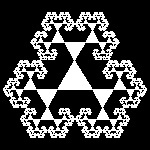 |
| tbranch_2.dwg Initial stage 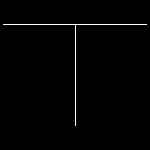 |
tbranch_4.dwg 2-nd stage 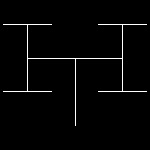 |
tbranch_6.dwg 3-rd step 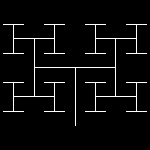 |
tbranch_9.dwg 4-th step 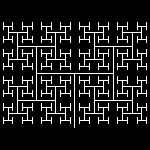 |
fractal_tbranch.dwg 5-th step 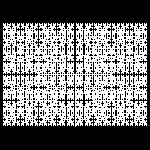 |
| tbranch_square_2.dwg Initial stage  |
tbranch_square_4.dwg 2-nd stage  |
tbranch_square_6.dwg 3-rd step  |
tbranch_square_8.dwg 4-th step 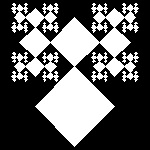 |
fractal_tbranch_square.dwg 5-th step 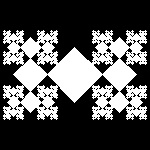 |
| 3fold_2.dwg Initial stage 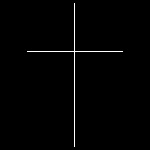 |
3fold_4.dwg 2-nd stage 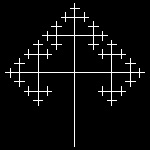 |
3fold_6.dwg 3-rd step 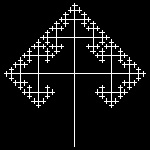 |
3fold_8.dwg 4-th step 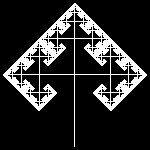 |
fractal_3fold.dwg 5-th step 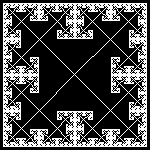 |
| 3fold_lune_2.dwg 2nd stage  |
3fold_lune_4.dwg 4-th stage 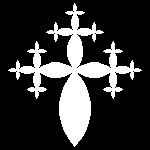 |
3fold_lune_5.dwg 5-th step 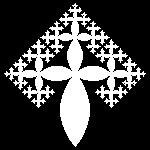 |
3fold_lune_6.dwg 6-th step 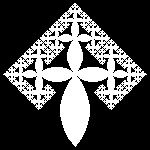 |
fractal_3fold_lune.dwg final step 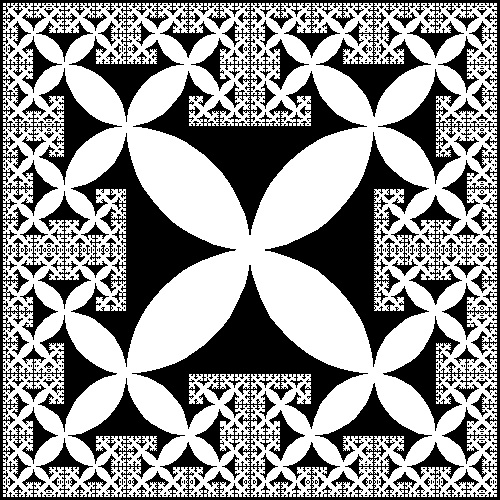 |
| 3fold_square_2.dwg 2-nd stage  |
3fold_square_4.dwg 4-th stage  |
3fold_square_6.dwg 6-th step  |
3fold_square_7.dwg 7-th step  |
fractal_3fold_square.dwg final step 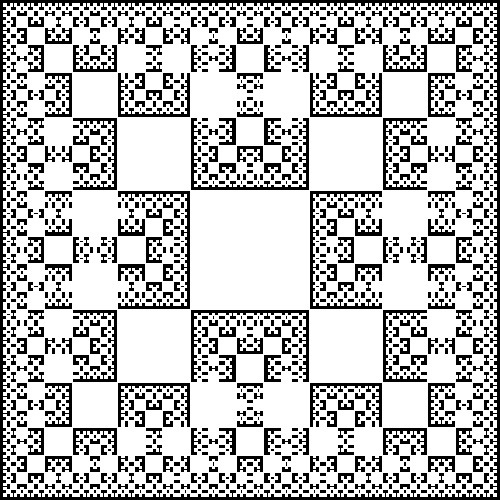 |
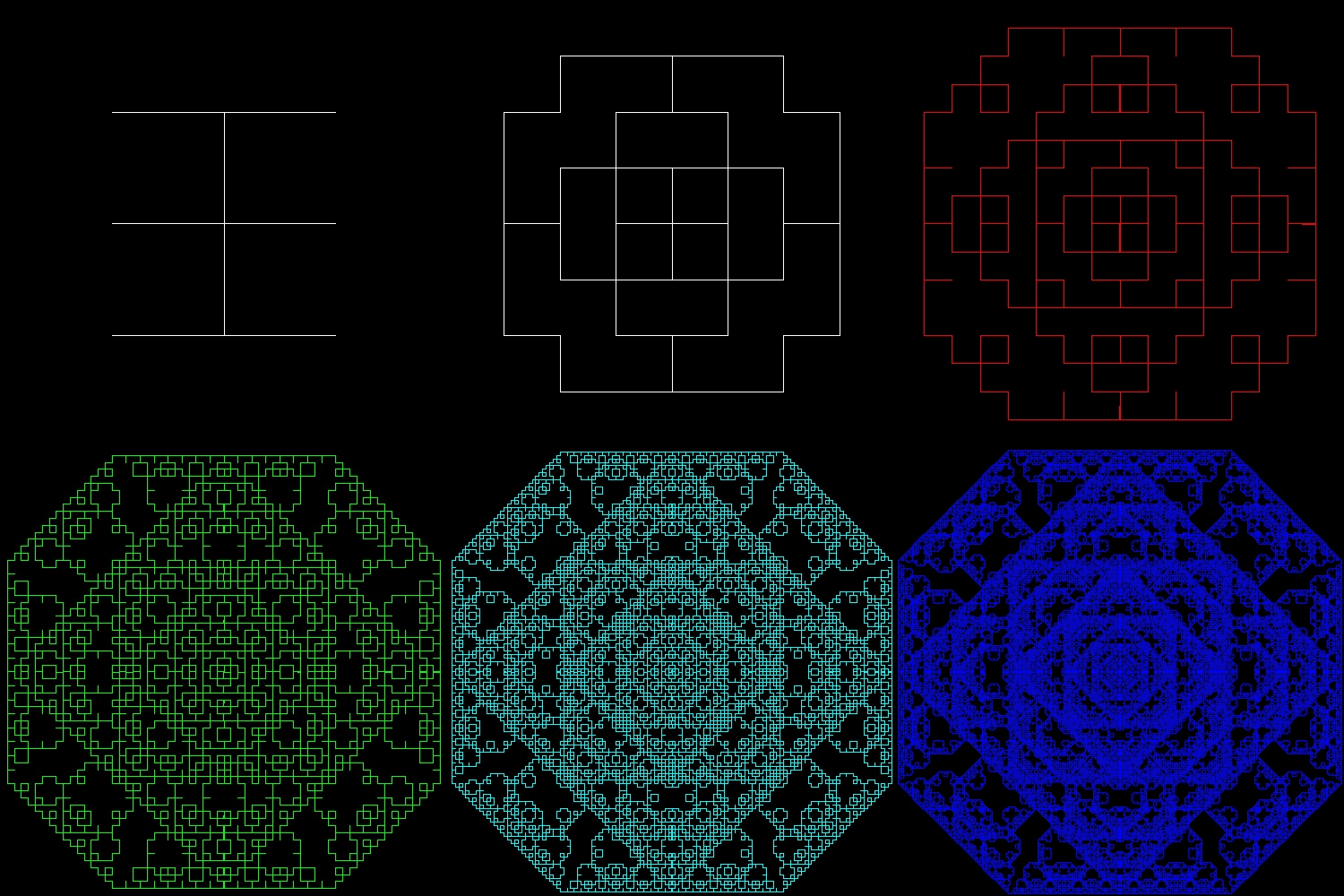
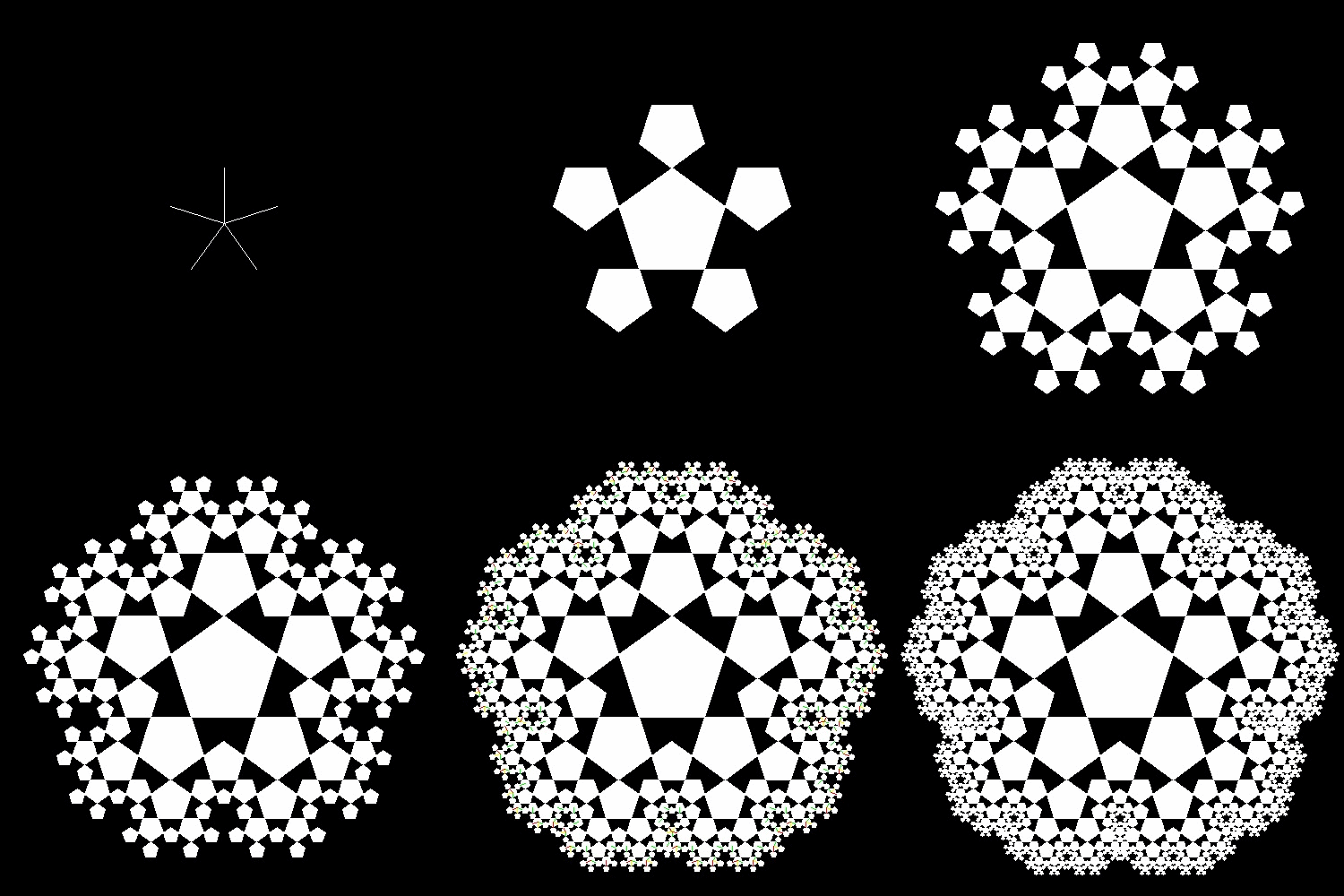
| pent_2.dwg 2nd stage 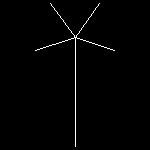 |
pent_4.dwg 4-th stage 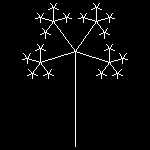 |
pent_5.dwg 5-th step 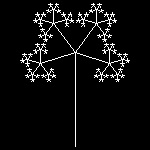 |
pent_6.dwg 6-th step 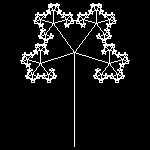 |
fractal_pent.dwg final step 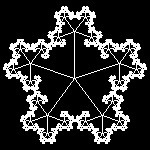 |
| pent_lune_2.dwg 2-nd stage  |
pent_lune_4.dwg 4-th stage  |
pent_lune_5.dwg 5-th step  |
pent_lune_6.dwg 6-th step  |
fractal_pent_lune.dwg final step 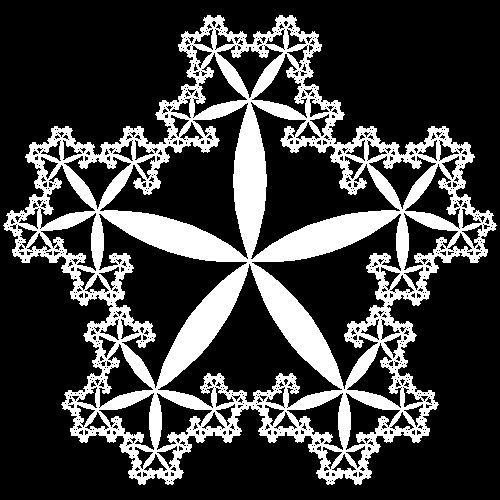 |
| pentagon_2.dwg 2-nd stage  |
pentagon_4.dwg 4-th stage  |
pentagon_5.dwg 5-th step 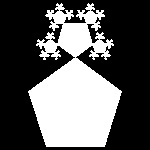 |
pentagon_6.dwg 6-th step 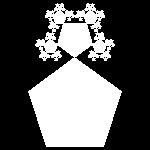 |
fractal_pentagon.dwg final step 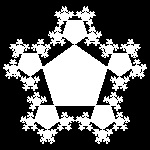 |
| pentagon_whole_2.dwg 2-nd stage 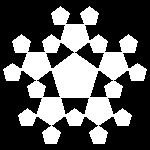 |
pentagon_whole_4.dwg 4-th stage 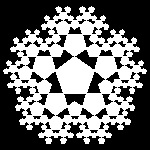 |
pentagon_whole_5.dwg 5-th step 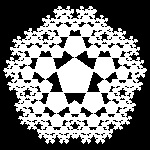 |
pentagon_whole_6.dwg 6-th step 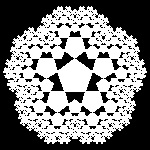 |
fractal_pentagon_whole.dwg 7-th step 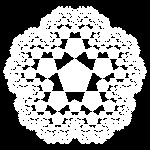 |
To create this drawing and animation:
Load fractal_tree.lsp (load "fractal_tree")
case: command & Input
tree: tree,input(golden ratio=0.618043)
tree_lune: tree_lune,input(golden ratio=0.618043)
tree_trig: tree_trig,input(golden ratio=0.618043)
tbranch: tbranch,input(golden ratio=0.618043)
tbranch_square: tbranch_square,input(golden ratio=0.618043)
3fold: 3fold,input(0.5)
3fold_lune: 3fold_lune,input(0.5)
3fold_square: 3fold_square,input(golden ratio=0.618043)
pent: pent,input(one_m_rho)
pent_lune: pent_lune,input(one_m_rho)
pentagon: pentagon,input(one_m_rho)
pentagon_whole: pentagon_whole,input(golden ratio=0.618043)
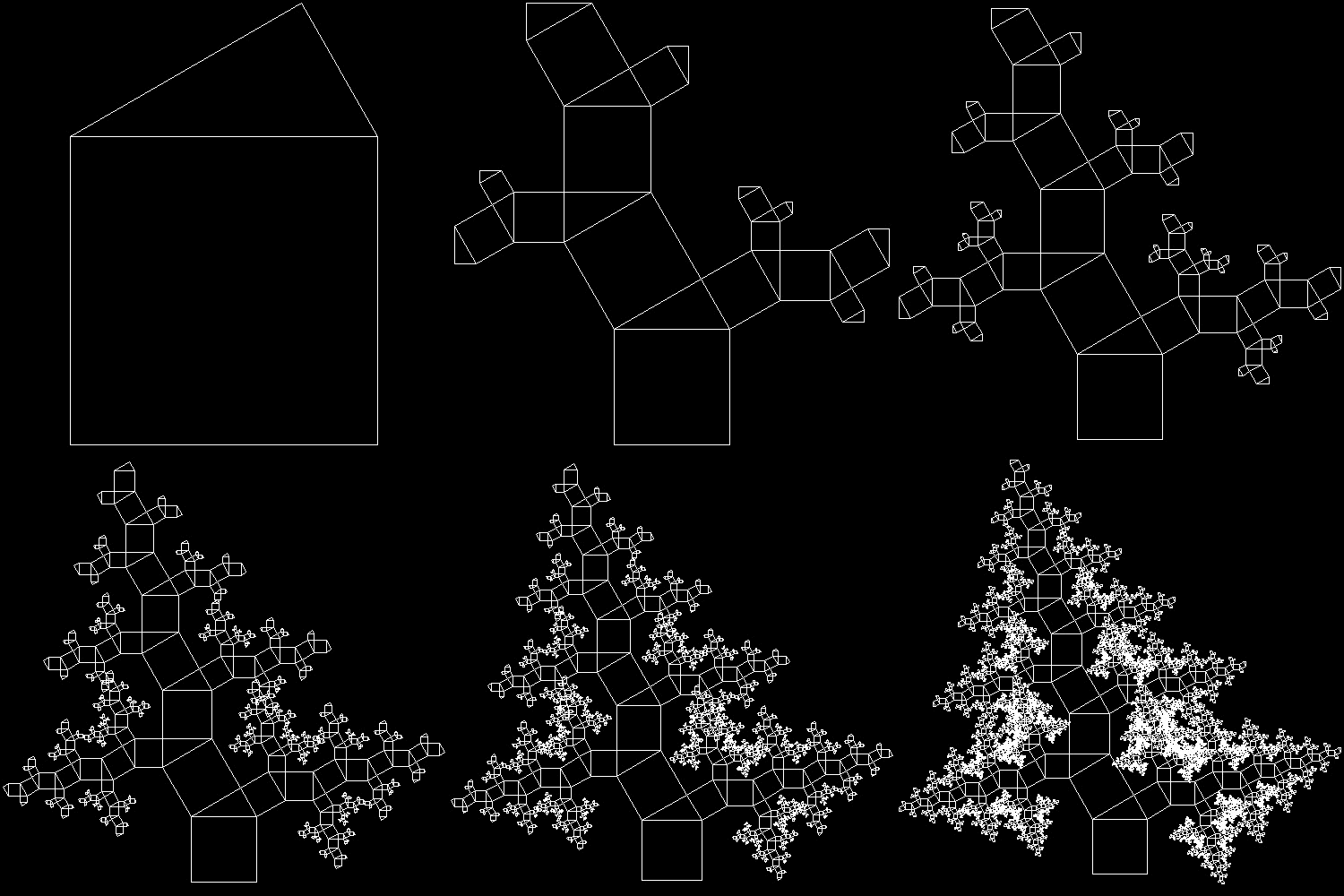
3.2 Pythagoras Tree (ref . ??)
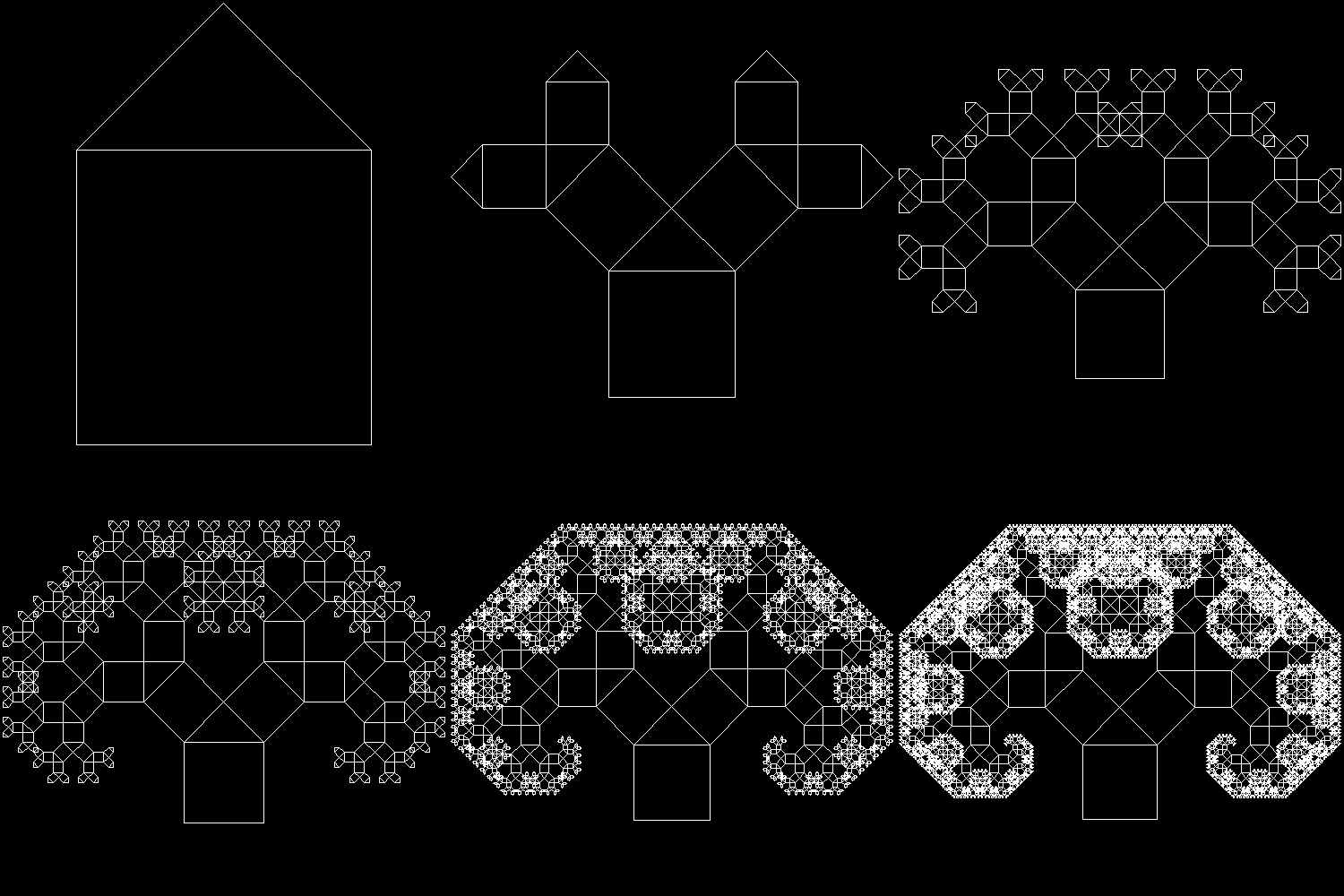
| ptree_1_1.dwg 1-st stage 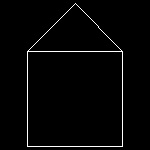 |
ptree_1_3.dwg 3-rd stage 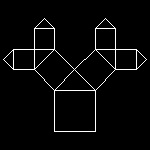 |
ptree_1_6.dwg 6-th stage 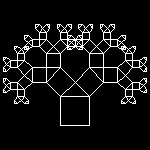 |
ptree_1_8.dwg 8-th stage 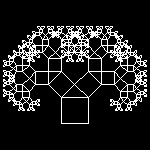 |
ptree_1_13.dwg 13-th stage 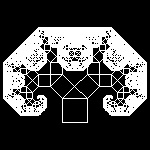 |
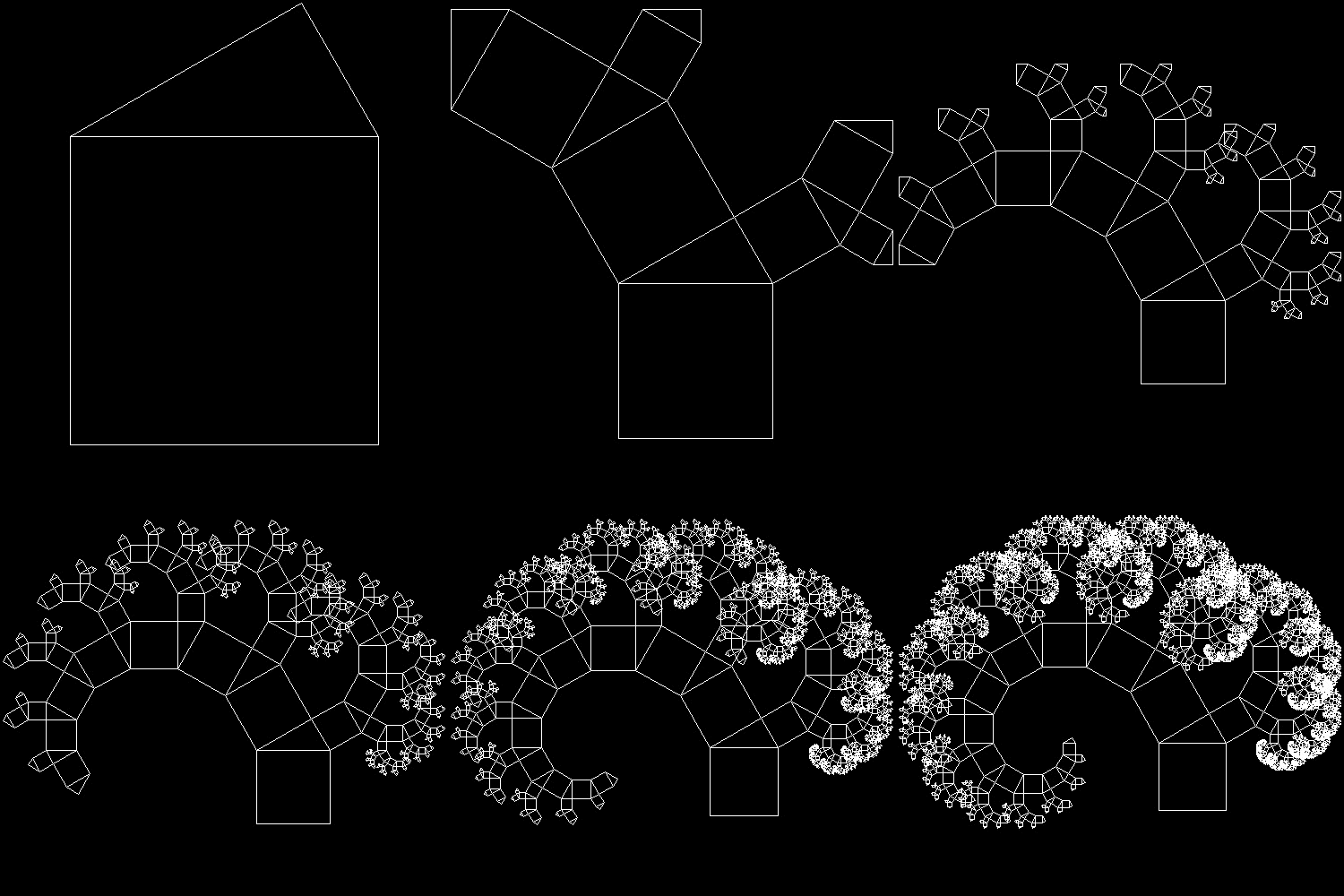
| ptree_2_1.dwg 1-st stage 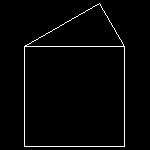 |
ptree_2_3.dwg 3-rd stage 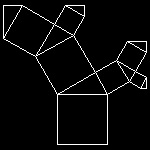 |
ptree_2_6.dwg 6-th stage 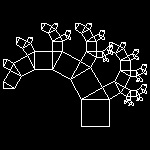 |
ptree_2_8.dwg 8-th stage 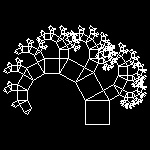 |
ptree_2_13.dwg 13-th stage 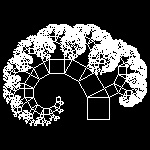 |
| ptree_3_1.dwg 1-st stage 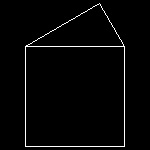 |
ptree_3_3.dwg 3-rd stage 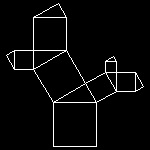 |
ptree_3_6.dwg 6-th stage 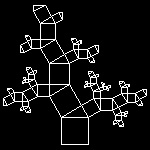 |
ptree_3_8.dwg 8-th stage 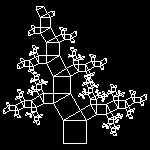 |
ptree_3_13.dwg 13-th stage 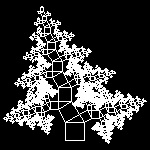 |
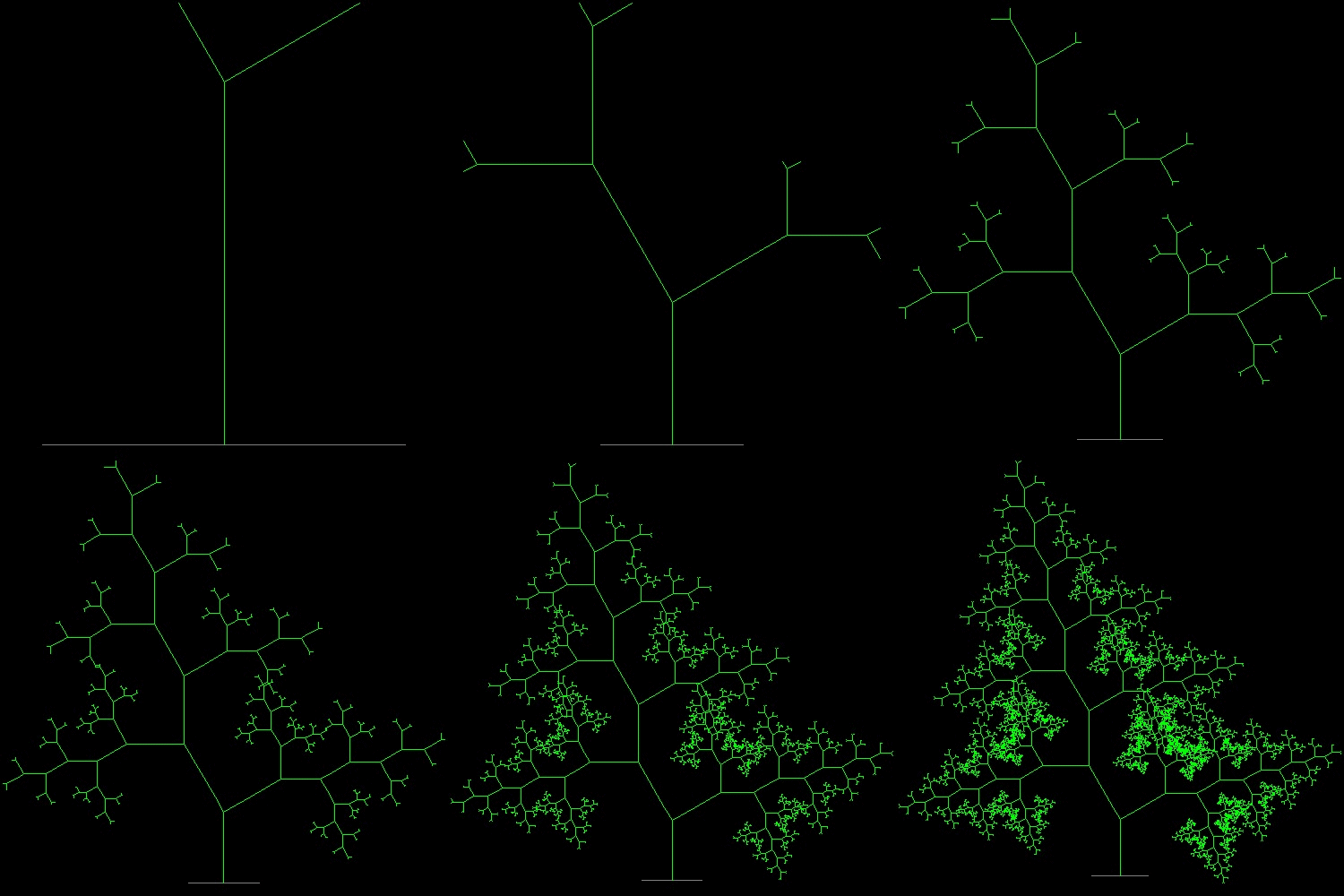
| linetree1_1.dwg 1-st stage  |
linetree1_3.dwg 3-rd stage 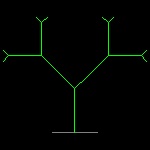 |
linetree1_6.dwg 6-th stage 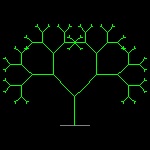 |
linetree1_8.dwg 8-th stage 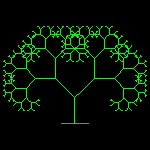 |
linetree1_11.dwg 11-th stage 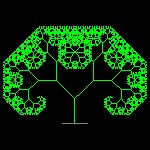 |
| linetree3_1.dwg 1-st stage 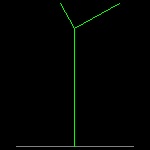 |
linetree3_3.dwg 3-rd stage 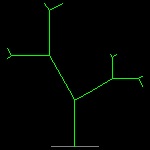 |
linetree3_6.dwg 6-th stage 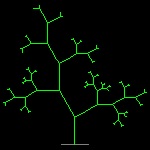 |
linetree3_8.dwg 8-th stage 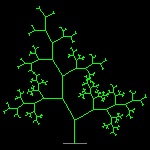 |
linetree3_12.dwg 12-th stage 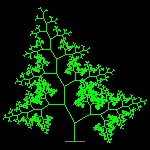 |
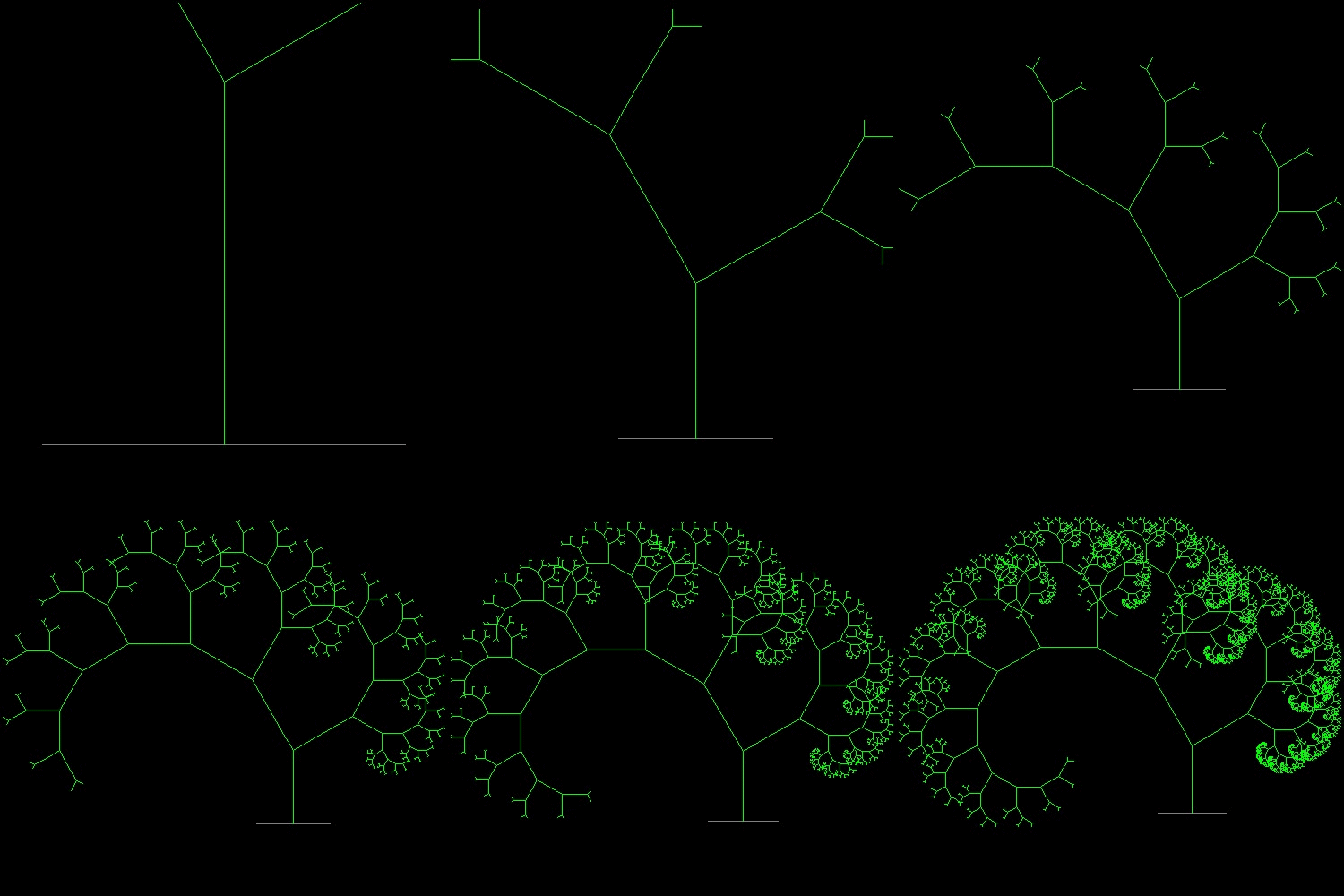
| linetree2_1.dwg 1-st stage 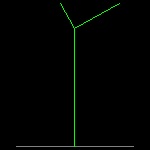 |
linetree2_3.dwg 3-rd stage 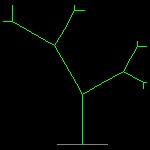 |
linetree2_6.dwg 6-th stage 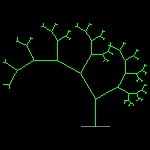 |
linetree2_8.dwg 8-th stage 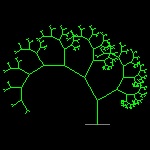 |
linetree2_12.dwg 12-th stage 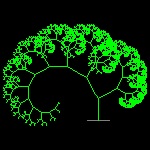 |
| tree3_fill_1.dwg 1-st stage  |
tree3_fill_3.dwg 3-rd stage  |
tree3_fill_6.dwg 6-th step 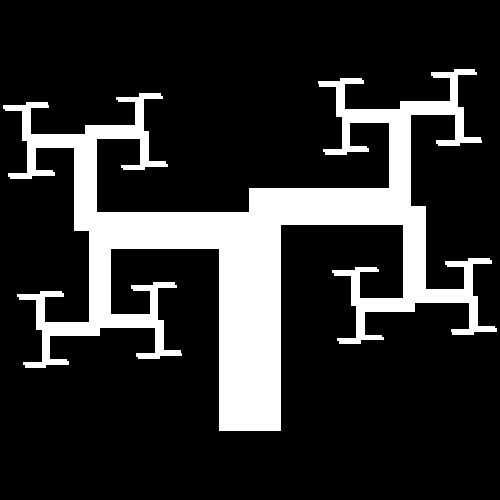 |
tree3_fill_8.dwg 8-th step 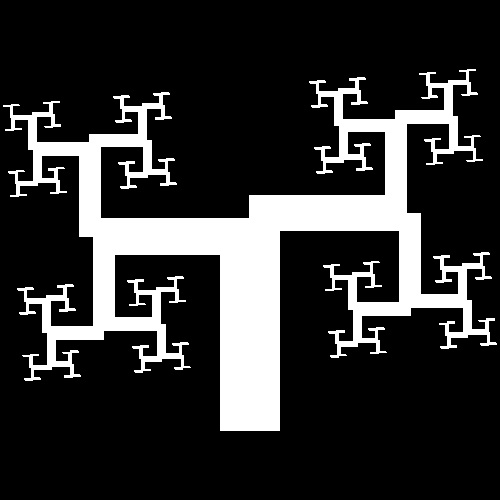 |
tree3_fill_10.dwg 10-th step 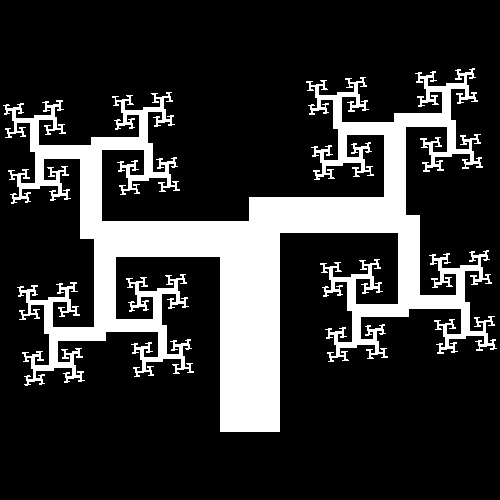 |
| tree4_fill_1.dwg 1-st stage  |
tree4_fill_3.dwg 3-rd stage 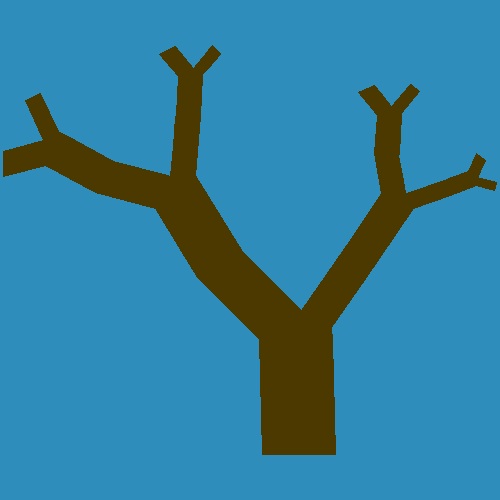 |
tree4_fill_6.dwg 6-th step  |
tree4_fill_8.dwg 8-th step  |
tree4_fill_11.dwg 11-th step 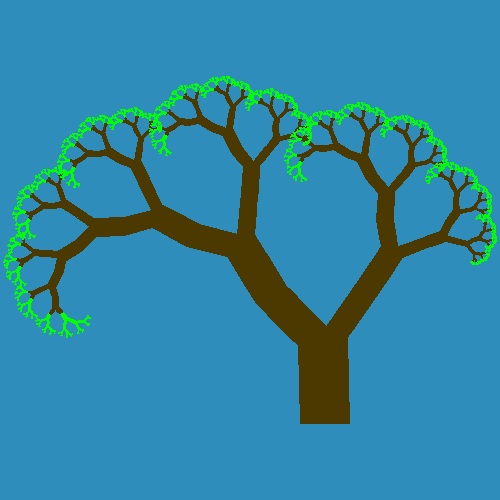 |
| tree5_1.dwg 1-st stage  |
tree5_3.dwg 3-rd stage 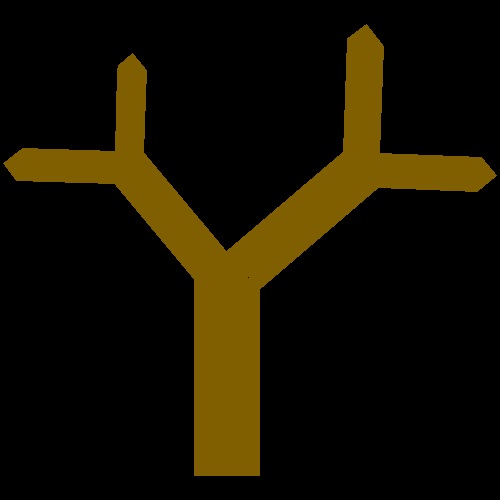 |
tree5_6.dwg 6-th step  |
tree5_8.dwg 8-th step  |
tree5_12.dwg 11-th step  |
To create this drawing and animation:
Load pythagoras_tree.lsp (load "pythagoras_tree")
Executable:
pythagorean_tree
tree2
tree3
tree4
tree5
3.2 Dragon Curves (ref . ??)
| page50_1.dwg Initial stage 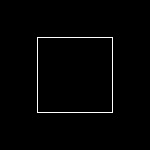 |
page50_2.dwg 2-nd stage 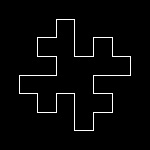 |
page50_3.dwg 3-rd stage 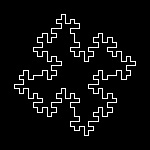 |
page50_4.dwg 4-th stage 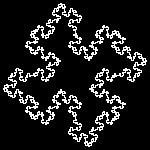 |
page50_5.dwg 5-th step 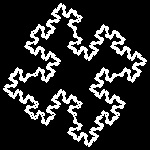 |
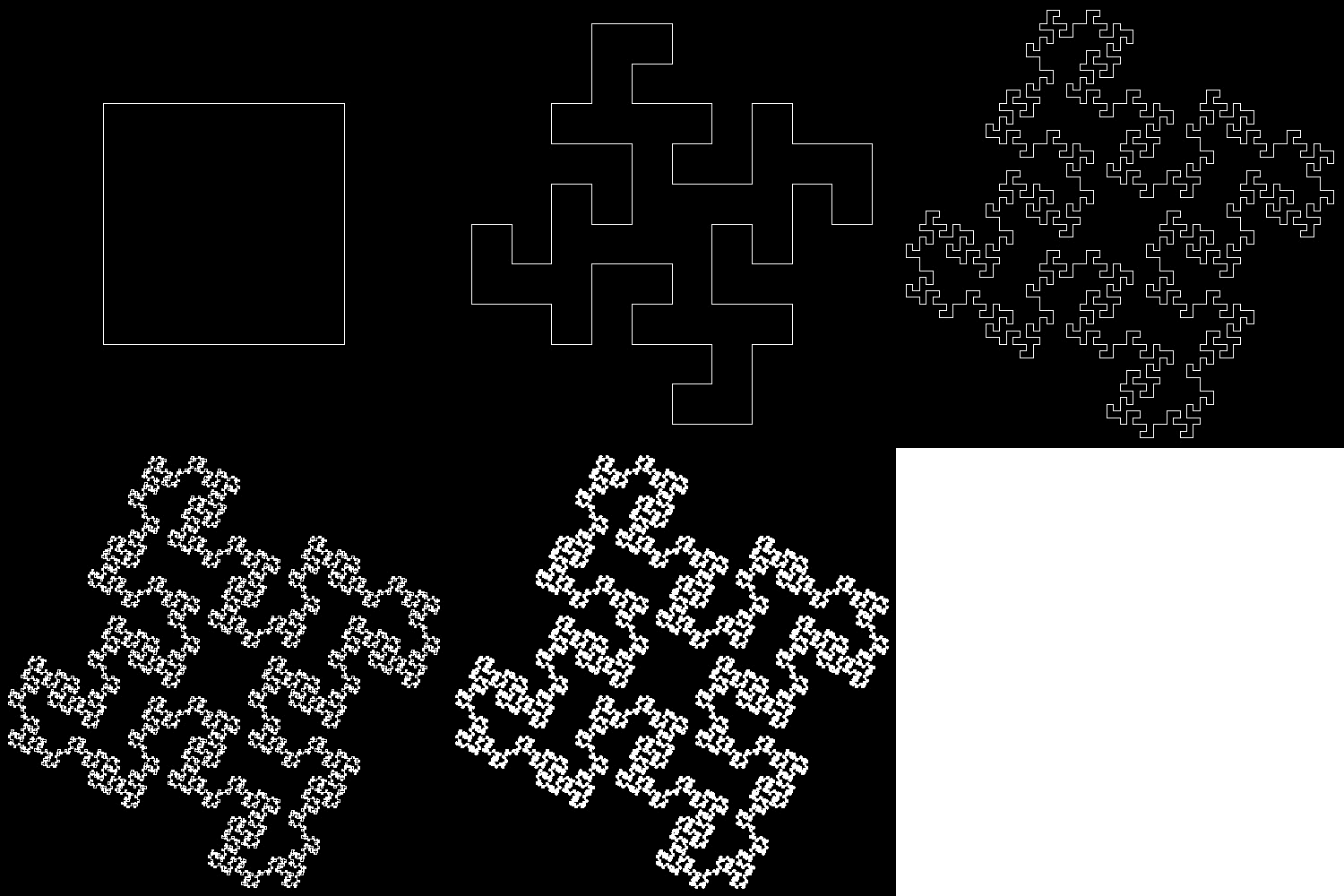
| page52_1.dwg Initial stage 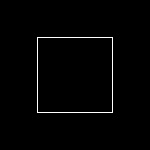 |
page52_2.dwg 2-nd stage 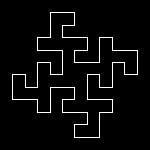 |
page52_3.dwg 3-rd stage 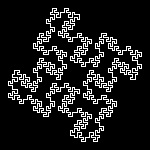 |
page52_4.dwg 4-th stage 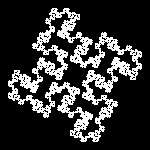 |
page52_5.dwg 5-th step 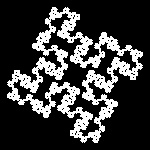 |
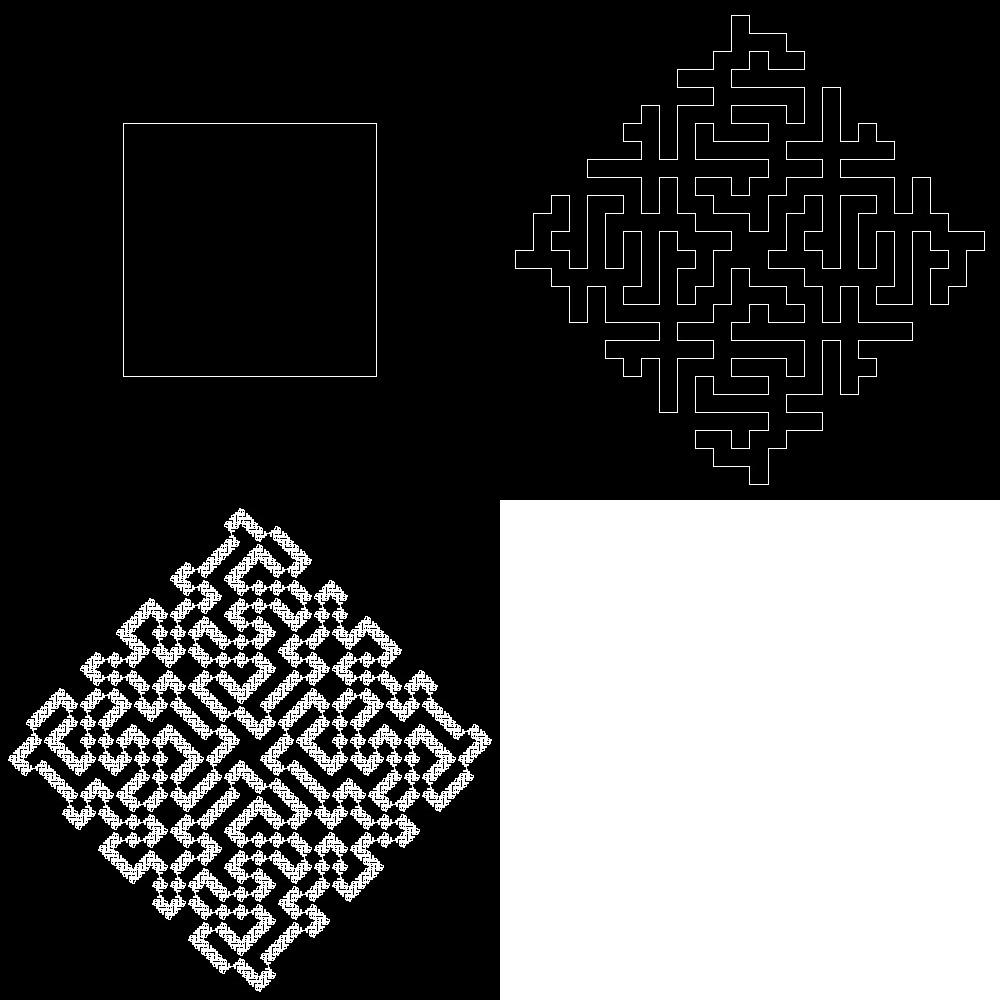
| page54_1.dwg Initial stage  |
page54_2.dwg 2-nd stage 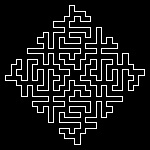 |
page54_3.dwg 3-rd stage 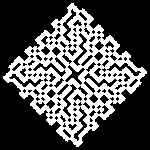 |
page54_3.dwg 3-rd stage detail 1 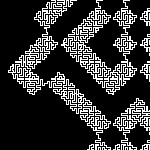 |
page54_3.dwg 3-rd stage detail 2 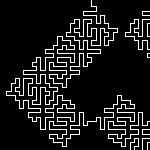 |
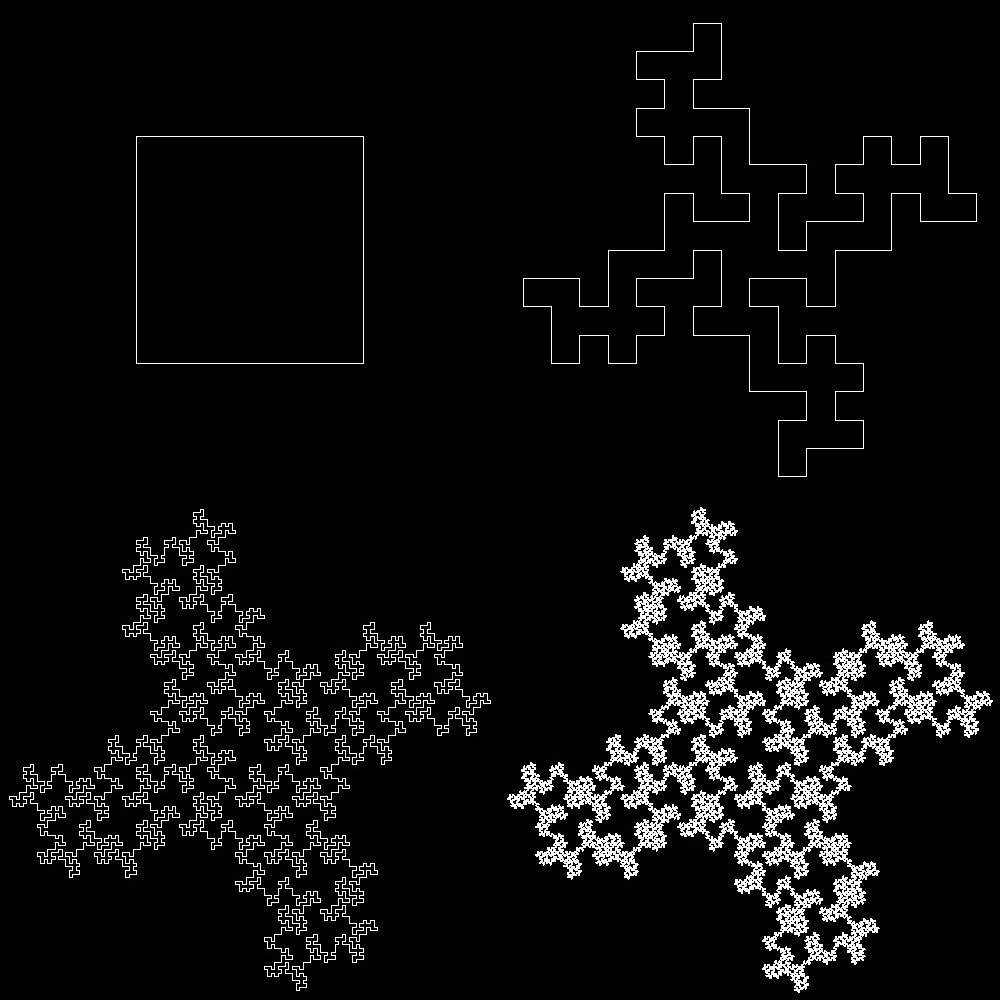
| page55_1.dwg Initial stage  |
page55_2.dwg 2-nd stage 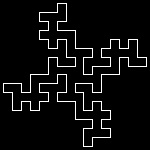 |
page55_3.dwg 3-rd stage 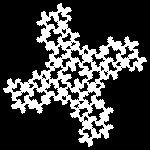 |
page55_3.dwg 3-rd stage detail 1 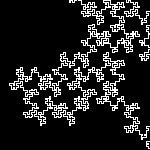 |
page55_3.dwg 3-rd stage detail 2 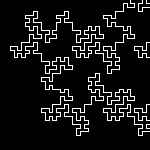 |
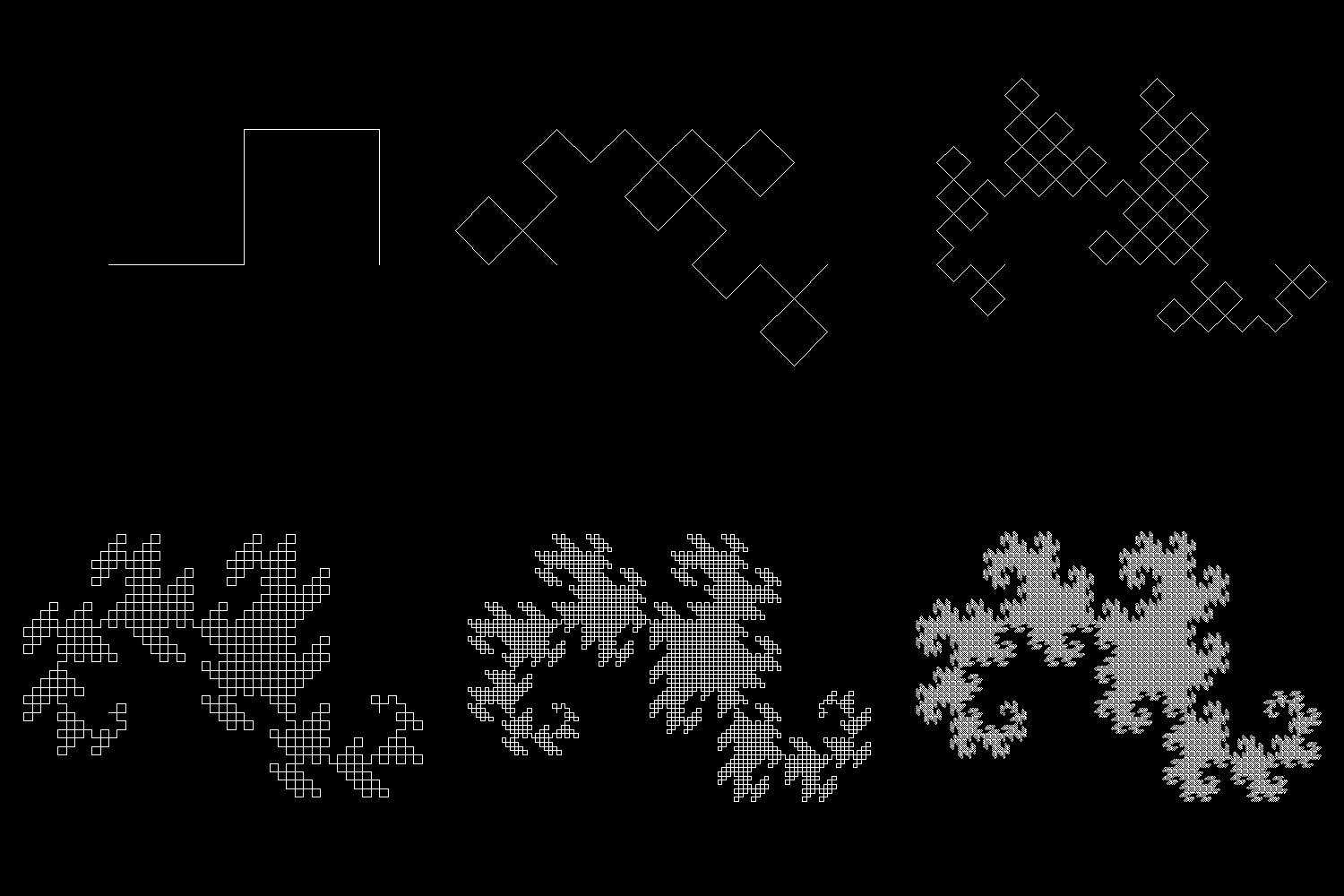
| page64_1.dwg Initial stage 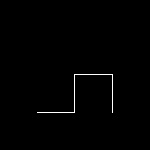 |
page64_2.dwg 2-nd stage 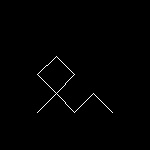 |
page64_6.dwg 6-th stage 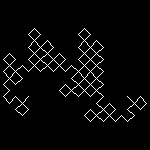 |
page64_10.dwg 10-th stage 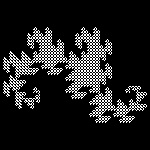 |
page64_14.dwg 14-th stage 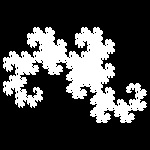 |
| page68_1.dwg Initial stage 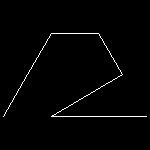 |
page68_2.dwg 2-nd stage 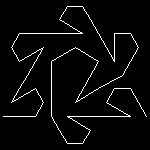 |
page68_4.dwg 4-th stage 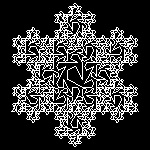 |
page68_4_round.dwg 4-th step rounded 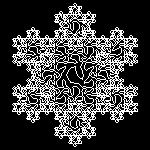 |
page68_4_round.dwg 4-th step detail 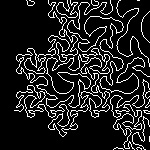 |
| page70_1.dwg Initial stage 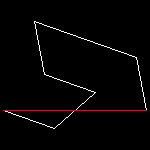 |
page70_2.dwg 2-nd stage 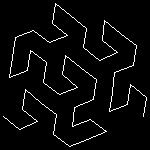 |
page70_3.dwg 3-rd stage 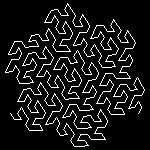 |
page70_4.dwg 4-th step 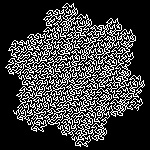 |
page70_4_det.dwg 4-th step detail 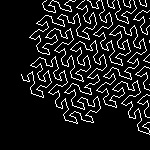 |
To create this drawing and animation:
Load fractal_mandelb.lsp (load "fractal_mandelb")
Then from command line, type page50, 52, 54,...,70
4. Function Iteration and Newton's method
4.1 Newton's method
4.2 iteration of quadratic functions
4.3 Logistic curve
5. Julia Set
5.1 Julia Set
5.2 Julia-like fractal for other functions
5.2.1 Sine function
5.2.2 Cosine function
5.2.3 Hyperbolic sine function
5.2.4 Hyperbolic cosine function
5.2.5 Exponential function
5.2.6 Orthogonal polynomials
6. Mandelbrot Set
6.1 Mandelbrot Set
6.2 Mandelbrot-like Set for other functions
7. IFS(Iterated Funtion System)
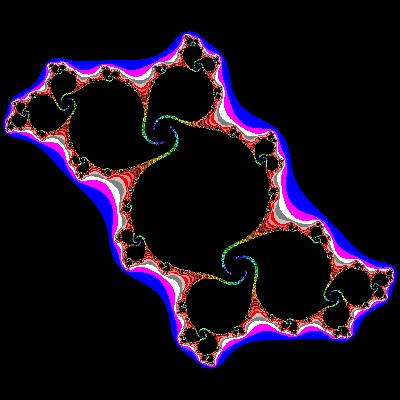
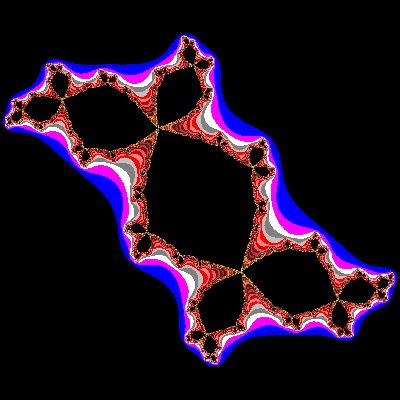
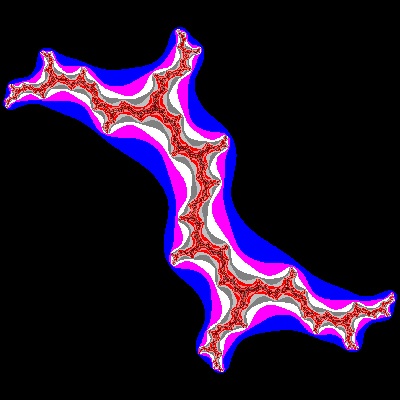
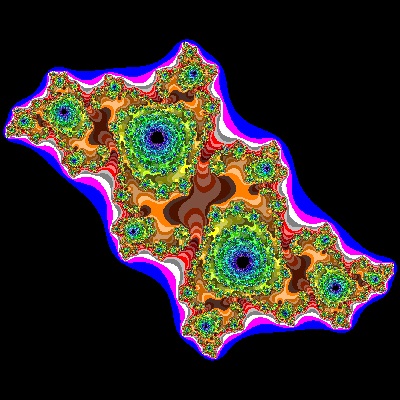
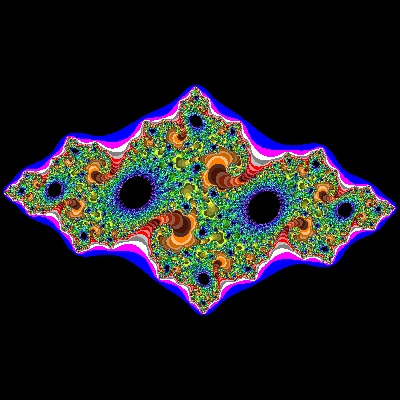
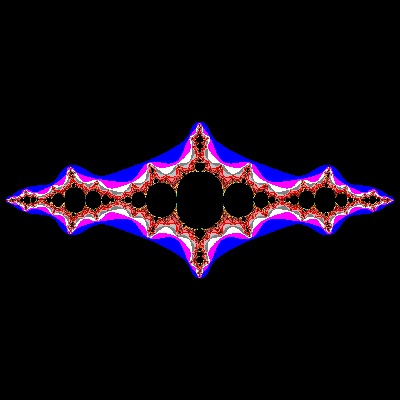
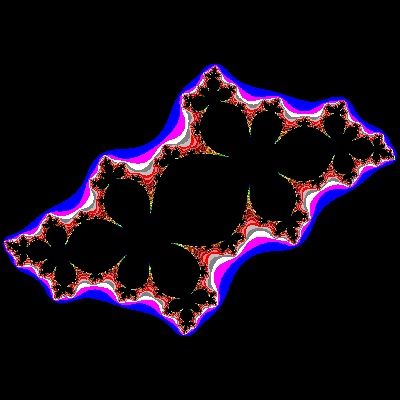
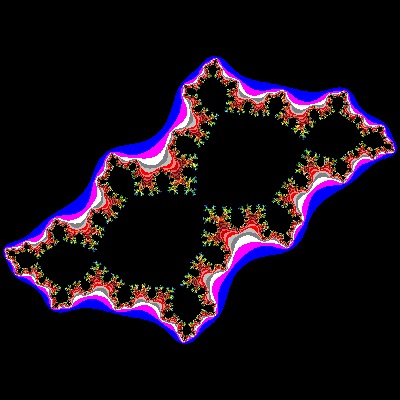
1.2 Julia set & Mandelbrot set
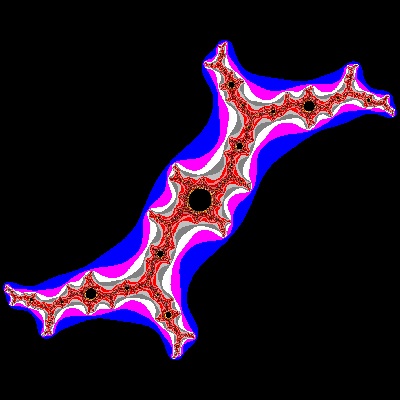
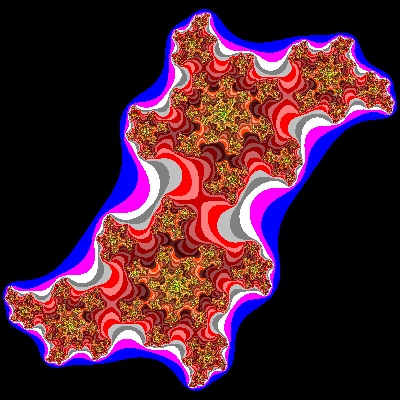
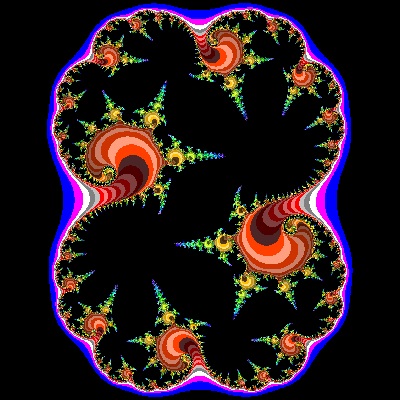
Mono-chrome output| Julia_01_002_mono2.dwg Julia_01_002_mono2.jpg Case #01 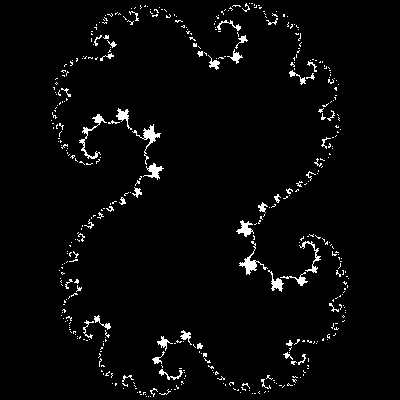 |
Julia_02_002_mono2.dwg Julia_02_002_mono2.jpg Case #02 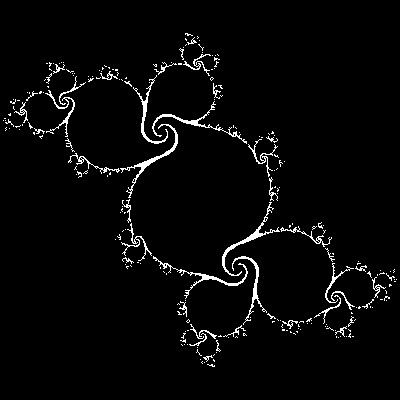 |
Julia_03_002_mono2.dwg Julia_03_002_mono2.jpg Case #03 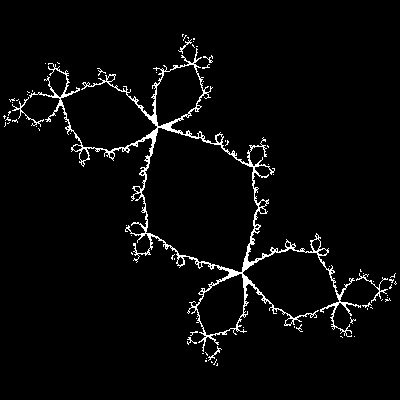 |
Julia_04_002_mono2.dwg Julia_04_002_mono2.jpg Case #04 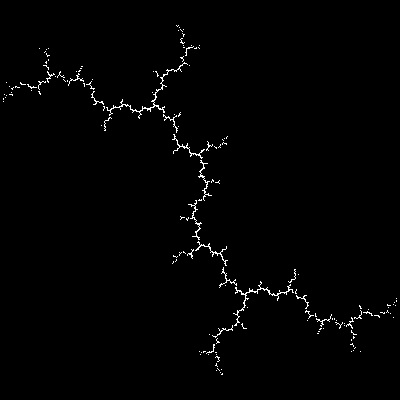 |
Julia_05_001_mono.dwg Julia_05_001_mono.jpg Case #05 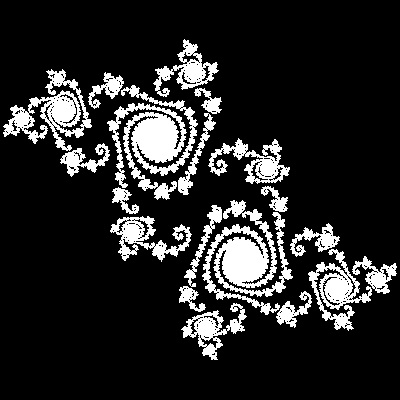 |
| Julia_06_001_mono.dwg Julia_06_001_mono.jpg Case #06 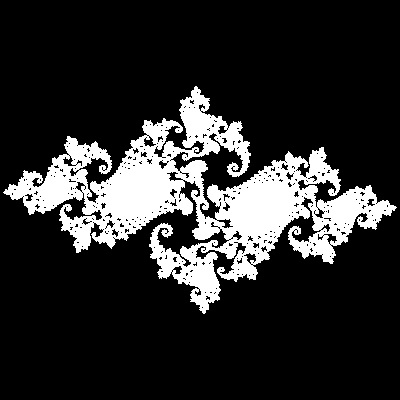 |
Julia_07_002_mono2.dwg Julia_07_002_mono2.jpg Case #07 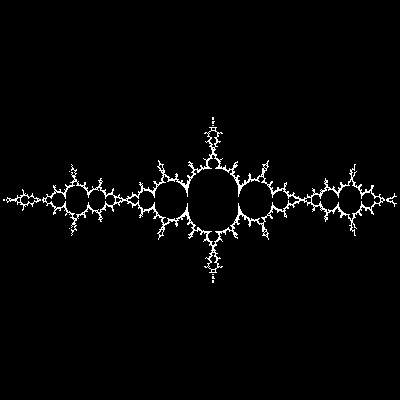 |
Julia_08_002_mono2.dwg Julia_08_002_mono2.jpg Case #08 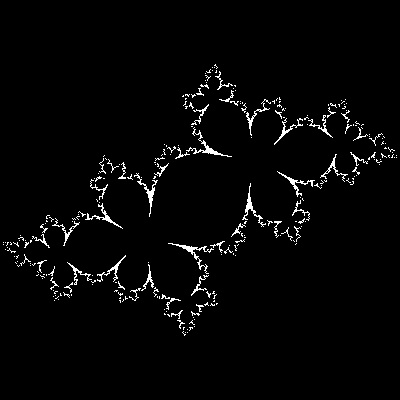 |
Julia_09_002_mono2.dwg Julia_09_002_mono2.jpg Case #09 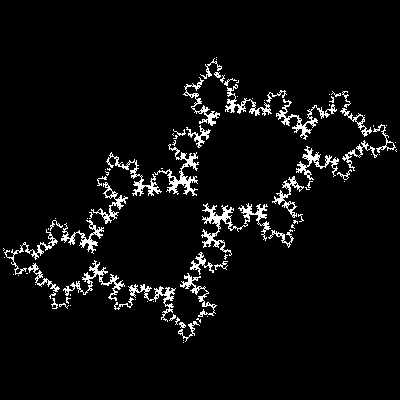 |
Julia_10_002_mono2.dwg Julia_10_002_mono2.jpg Case #10 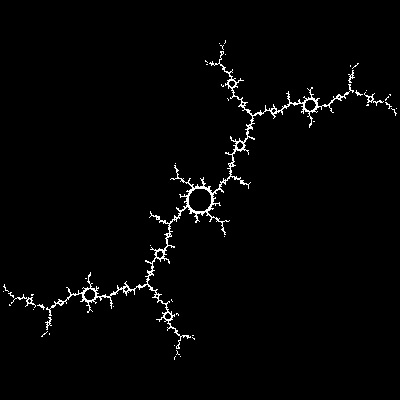 |
| Julia_11_0002_mono.dwg Julia_11_0002_mono.jpg Case #11 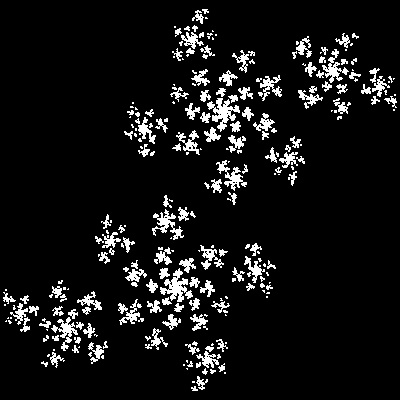 |
Julia_12_002_mono2.dwg Julia_12_002_mono2.jpg Case #12 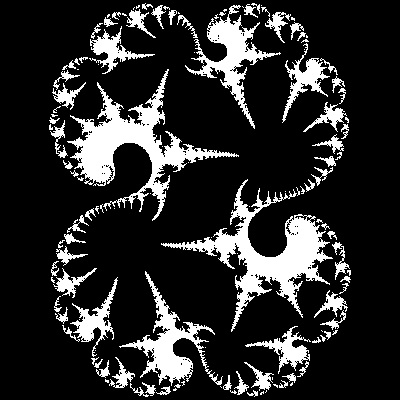 |
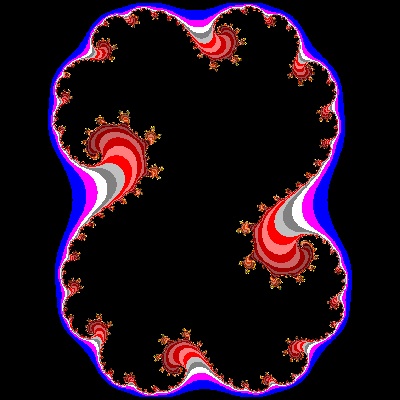




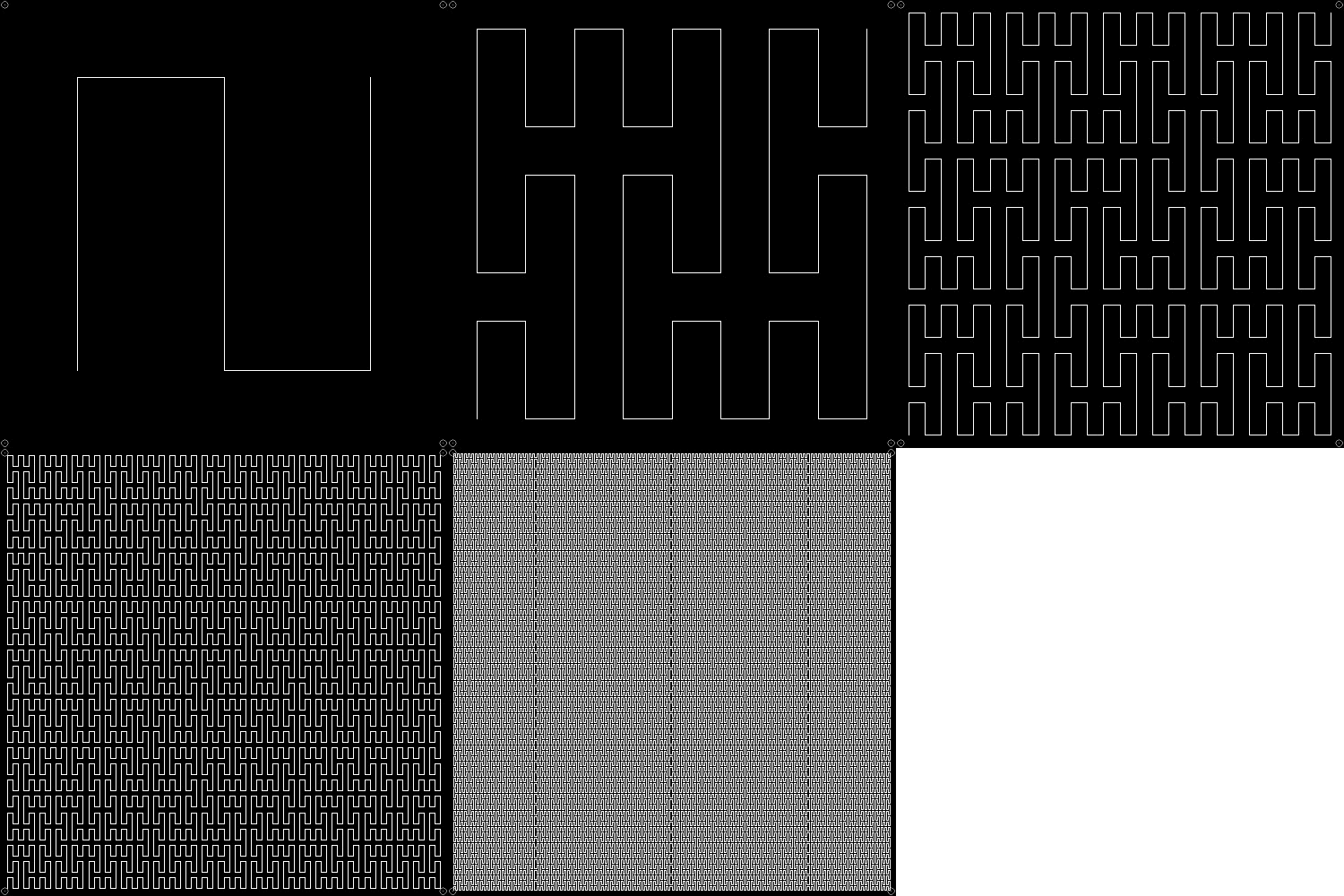
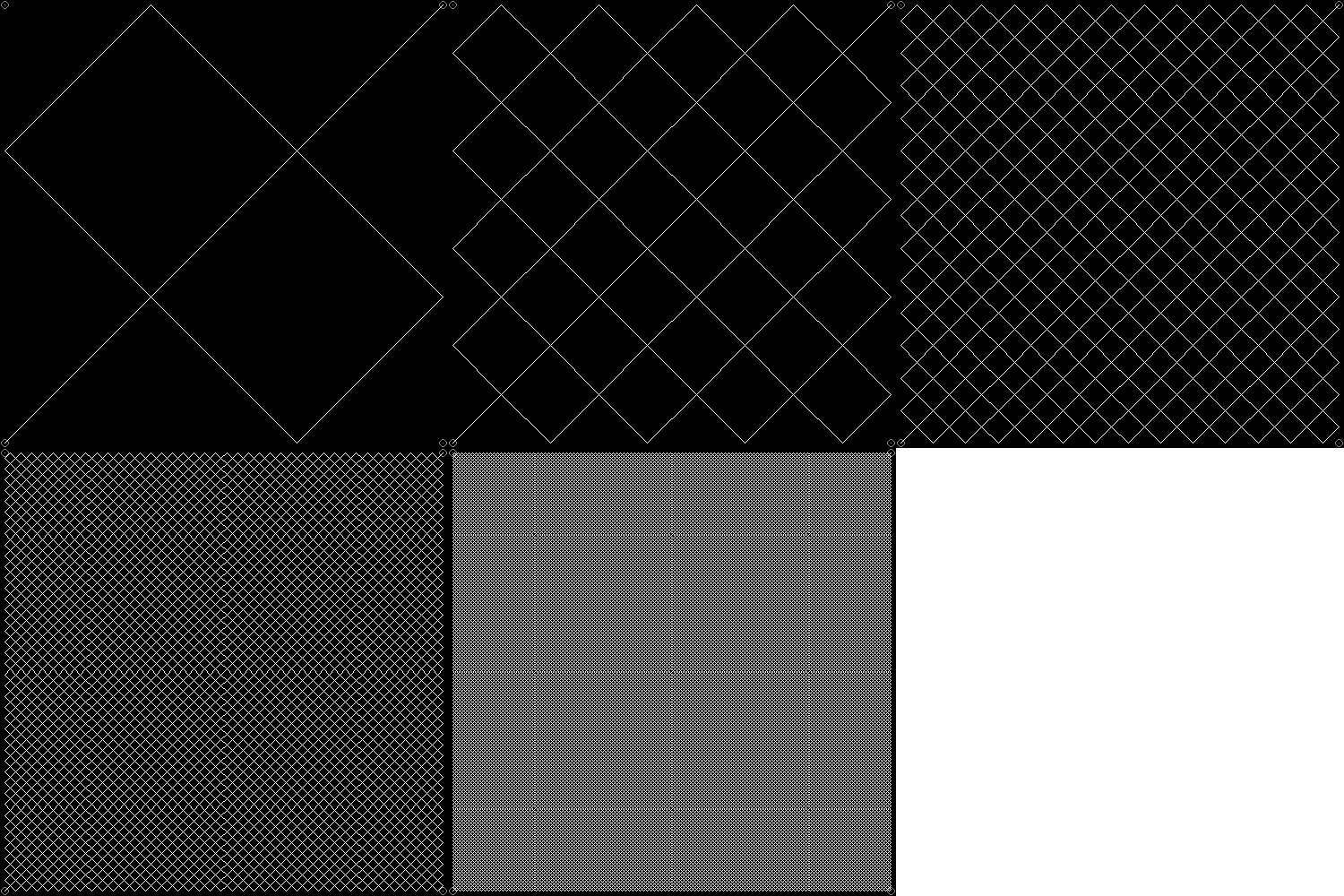
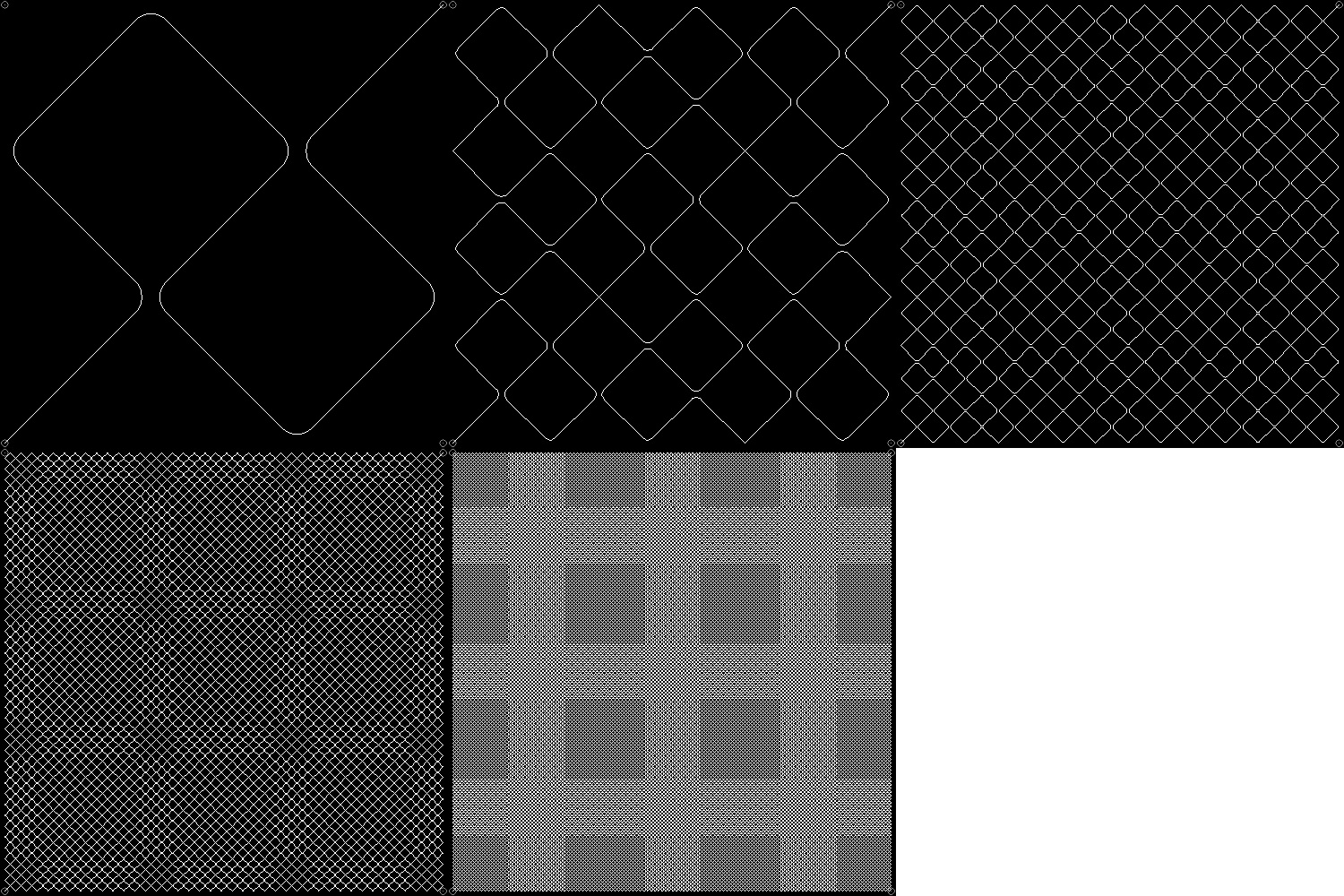
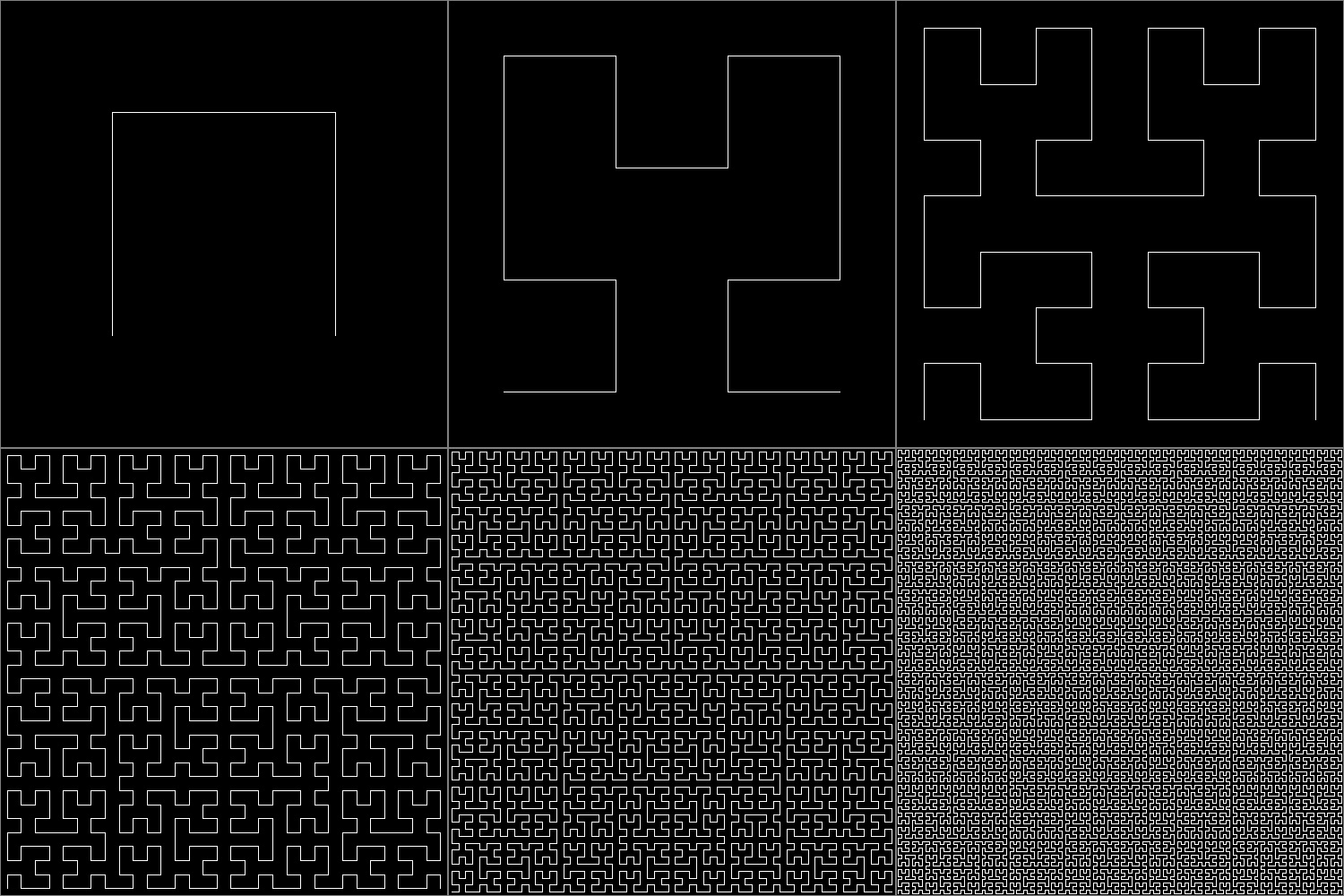

















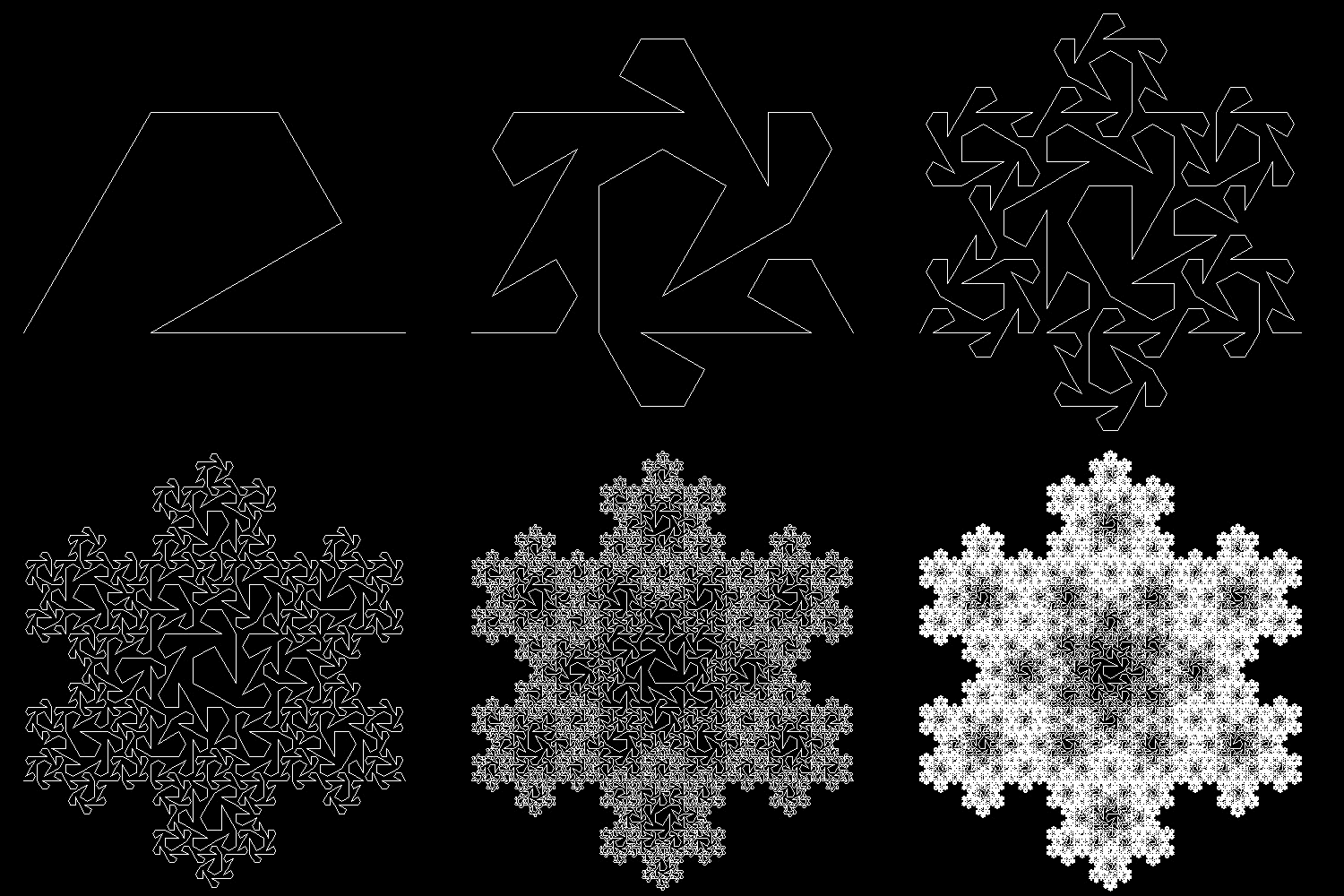
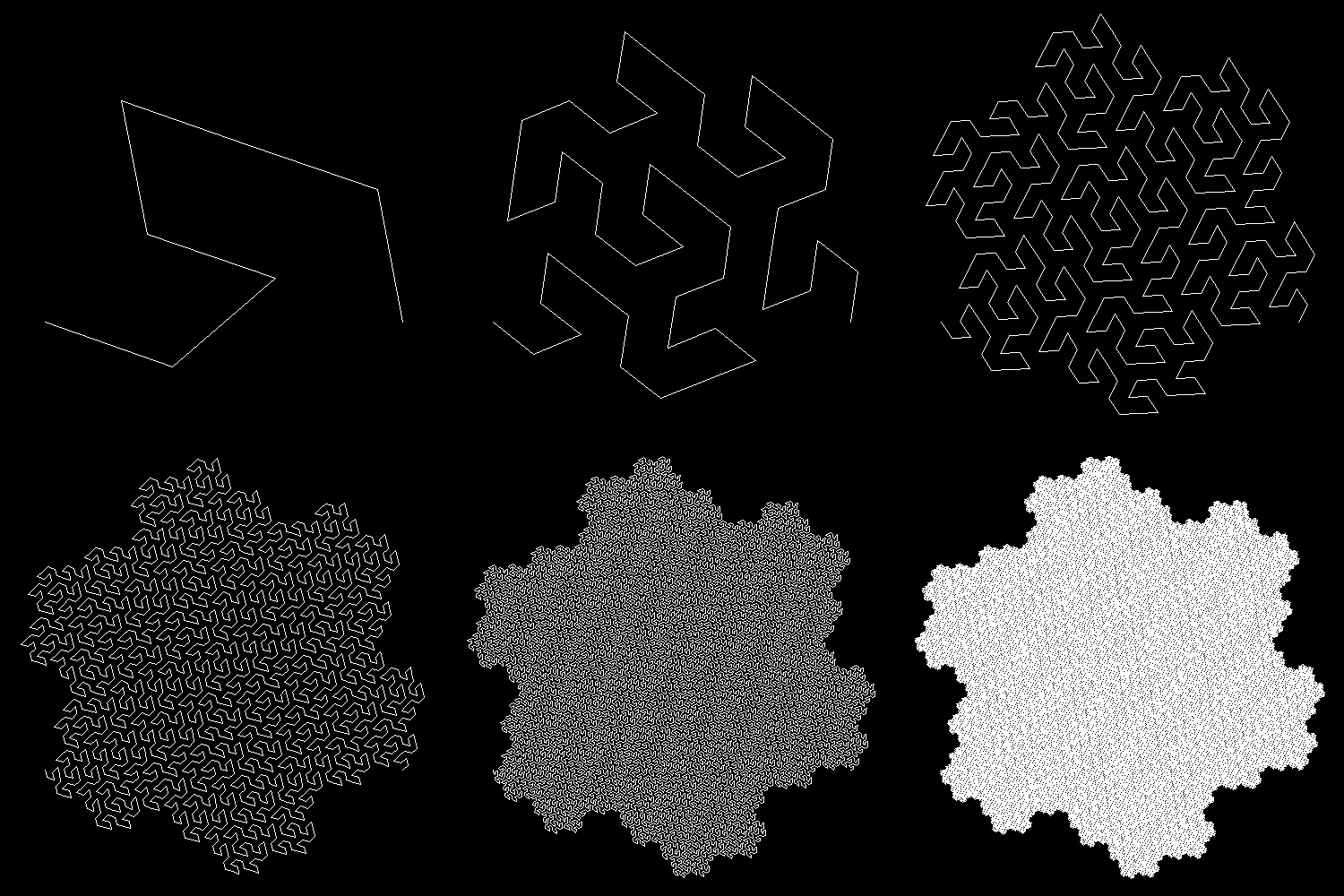
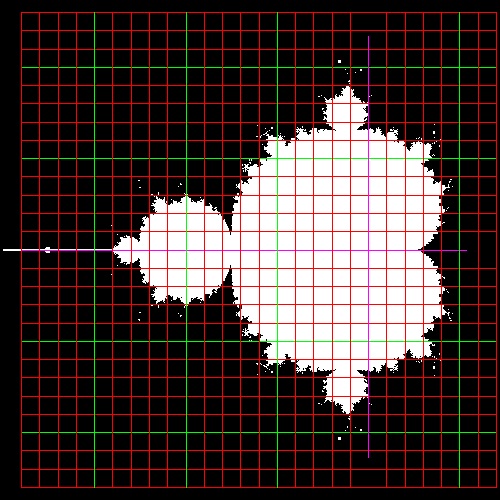
************* parabola_manual_2.dwg *************
**************** parabola_line.dwg ****************
You can see the process in animation.

To create this drawing and animation:
Load conics_by_line.lsp (load "conics_by_line")
Then from command line, type parabola_auto
To create ellipse_manual_2.dwg, type ellipse_manual_2 in command line window.
Description of parabola

F is a Focus (c, 0), and line D1 D2 is parallel to y axis
with distance c from the origin O.(called Directrix)
B is a point on y-axis. FB intersects with directrix at C.
Line AB is perpendicular to line FC at B.
Draw a line from C parallel to x-axis, and this intersects AB at G.
Then GC = GF -->definition of parabola
Furthermore, angle CGB = BGF = AGE.-->angle bisector of EGF is normal to AB
So point G is not only a point on the parabola,but line AB touches this parabola
at point G.
Consequently envelopes of lines like AB will form a parabola.
To create this drawing :
Load conics_by_line.lsp (load "conics_by_line")
Then from command line, type parabola_model
*************** parabola_model.dwg ***************
Using a triangle
Using the property that points B is on y-axis,and angle ABF is a right angle, line AB can be drawn by using a drafting triangle as follows.
 You can see the process in animation.

To create this drawing and animation:
Load conics_by_line.lsp (load "conics_by_line")
Then from command line, type parabola_by_triangle
************ parabola_by_triangle.dwg ************
Folding a paper
In the model drawing below, point C on directrix and Focus F are symmetric with respect to line AB.So line AB is created by a crease on the paper when a paper is folded such that a point on directrix falls on the Focus F.
Note here that directrix D1 D2 is considered as an arc of a circle with its center at infinity on x-axis.

To create this drawing :
Load conics_by_line.lsp (load "conics_by_line")
Then from command line, type parabola_model
The add line BK manually.
************** parabola_model_2.dwg **************
 You can see the process in animation.

To create this drawing and animation:
Load conics_by_line.lsp (load "conics_by_line")
Then from command line, type parabola_by_folding
************* parabola_by_folding.dwg *************
1.3 Hyperbola
Envelope of lines


*********** hyperbola_manual_2.dwg ***********
************** hyperbola_auto.dwg **************
You can see the process in animation.

To create this drawing and animation:
Load conics_by_line.lsp (load "conics_by_line")
Then from command line, type hyperbola_auto
To create hyperbola_manual_2.dwg, type hyperbola_manual_2 in command line window.
Description of hyperbola

Draw a circle with radius = a.
Select  points F1,F2 outside of this circle with distance c from O.
From a point P on the circle ,draw a line through F1 to Q on the circle.
Draw  lines PB and RA perpendicualr to PQ.They intersect the circle at R & S.
PSRQ is a rectangle. Extention of RS goes through F2 due to symmetry.
Extend line F1P and make point T such that F1P = PT
Connect T-F2, This intersects PS at U.

Since triangles UPF1 and UPT are congruent, F1U = UT
Therefore  UF1 - UF2 = UT - UF2 = F2T = 2a (constant).
So the point U is on the hyperbola with foci F1,F2.
Furthermore since angles PUF1 = PUT = BUV, line
BP is a tangent line to this hyperbola at U.
To create this drawing :
Load conics_by_line.lsp (load "conics_by_line")
Then from command line, type hyperbola_model
************* hyperbola_model.dwg *************
Using a triangle
Using the property that points P,Q,& S are on the circle,and angle SPQ is a right angle, line PS can be drawn by using a drafting triangle as follows.
 You can see the process in animation.

To create this drawing and animation:
Load conics_by_line.lsp (load "conics_by_line")
Then from command line, type hyperbola_by_triangle
************ hyperbola_by_triangle.dwg ************
Folding a cicular paper
It was shown that point T is on the circle with its center at F2 and radius 2a.When that circle is drawn , it becomes clear that line PS can also be a part of the line VW,
which is created as a crease line when a circular paper is folded so that point T falls on point F1.
 You can see the process in animation.

To create this drawing and animation:
Load conics_by_line.lsp (load "conics_by_line")
Then from command line, type hyperbola_by_folding
********** hyperbola_by_folding.dwg **********
2. Cycloid, Epi & Hypo-cycloid as Envelopes of Lines
2.1 Cycloid
Envelope of lines

******************* cycloid_by_line_envelope.dwg ************************

******************* cycloid_by_line_envelope_2.dwg *********************
You can see the process in animation.

To create this drawing and animation:
Load cycloid1.lsp (load "cycloid1")
Then from command line, type draw_cycloid_by_line
1-st example: no. of division = 20
2-nd example: no. of division = 200, and layer2 (yellow colored nodes) is hidden.
Description of cycloid

Point P on a circle with radius "a" is at point O initially.
After this circle rolls along X-axis by θ,
top, center and bottom of this circle are points Q,R & U respectively.
Since R is the instantaneous center of rotation, ∠RPQ is a right angle,
and line PT is tangent to the curve formed by locus of P.
Additionally, it is shown that
∠PUR = θ, and ∠PRO = ∠PQR = ∠SQT = θ/2
Length of OR = a θ.
This yields the following parametric equation for cycloid.
	x = a(θ - sin θ)
	y = 2a(1 - cosθ)
Envelope of many lines like "PT" , will
make a cycloid as shown above.
This can be accomplished by either of the two ways:
(1)Draw a horizontal line AB with lenght 2π, and divide in n equal lengths.
   Draw a line at each point with an angle incremented by 2π/n.
(2)Draw a circle with radius 2a, and draw a diameter vertical initially at O.
   Roll this big circle along X a-xis, then the envelope of this diameter
   forms cycloid. The reason is that when the big circle comes to R,
   ∠RQP' = θ and PT is a part of the diameter.
*************** cycloid_model.dwg ***************
To create this drawing :
Load cycloid1.lsp (load "cycloid1")
Then from command line, type draw_cycloid_model
Use 20 division and stop execution at the 7-th step. Modify the drawing .
2.2 Epi-cycloid
The Epicycloid is generated by a point of a circle rolling externally upon a fixed circle.Examples of Epicycloid


** epicycloid_cardioid.dwg
** epicycloid_nephroid.dwg
** epicycloid_cremona.dwg
** draw cardioid-animation
** draw nephroid-animation
** draw cremona-animation


Description of Epicycloid

T.B.A.
************* epicycloid_model.dwg *************
To create this drawing :
Load cycloid1.lsp (load "cycloid1")
Then from command line, type draw_cycloid_model
Use 20 division and stop execution at the 7-th step. Modify the drawing .
Epicycloid by String Art (Curve Stitching)


**** string_cardioid.dwg****
**** string_nephroid.dwg****
**** string_cremona.dwg****
** draw cardioid-animation
** draw nephroid-animation
** draw cremona-animation


2.3 Hypo-cycloid
Under constructionReferences
There are many books written on this topics. The books referenced in posting the above contents
are listed in four groups:
1. Classic books
2. Introduction to the concept
3. Generally for writing computer codes
4. College Math-textbook type
5. General reference
1. Classic books
- Mandelbrot, Benoit B.: The Fractal Geometry of Nature. Freeman, 1977.
- Peitgen, Heinz-Otto., Richter, Peter H.: The Beauty of Fractals - Images of Complex Dynamical Systems . Springer-Verlag, 1986.
- Przemyslaw Prusinkiewicz, Aristid Lindenmayer: The Algorithmic Beauty of Plants. Springer-Verlag, 1990.
- Peitgen Heinz-Otto., Jurgens,H.,Saupe,D.: Chaos and Fractals - New Frontiers of Science. Springer-Verlag, 1992.
- Barnsley,Michael F.: Fractals Everywhere. Academic Press. 1993.
- Flake, Gary W.: The Computational Beauty of Nature - Computer Explorations of Fractals,Chaos, Complex Systems, and Adaptaions. MIT Press. 1998.
- Mumford,D.,Series C.,Wright,D.: Indra's Pearls - The Vision of Felix Klein. Cambridge Univ. Press. 2002.
2. Introduction to the concept
- Lauwerier, Hans A.: Fractal - Endlessly Repeated Geometrical Figures. Princeton Univ. Press. 1991.
- McGuire, Michael D.: An Eye for Fractals. Addison-Wesley. 1991.
- Briggs, John: Fractal - The Patterns of Chaos. Simon and Schuster, 1992.
- Nigel Lesmoir-Gordon, Will Rood, Ralph Edney: Introductions - Fractal Geometry. Totem Books, 2000.
- Clark, Arthur,C.,et al: The Colours of Infinity - The Beauty and Power of Fractals. Clear Books, 2006.
- Smith,Leonard A.: Chaos - A Very Short Introduction. Oxford Univ. Press, 2007.
- Peitgen Heinz-Otto., Saupe,Dietmar.,Editors: The Science of Fractal Images. Springer-Verlag, 1988.
- Laplante, Phil.: Fractal Mania. Windcress/McGraw-Hill,1994..
- Stevens,Robert T.: Creating Fractals. Charles River Media, 2005.
- Ahlfors,Lars V.: Complex Analysis - An Introduction to the Theory of Analytic Functions of One Complex Variable. MaGraw-Hill. 1953.
- Devaney,Robert L.: Chaos, Fractals and Dynamics-Computer Experiments in Mathematics. Addison-Wesley,1990.
- Devaney,Robert L.: A First Course in Chaotic Dynamical Systems- Theory and Experiment. Addison-Wesley,1992.
- Sagan,Hans.: Space-Filling Curves. Springer-Verlag. 1994.
- Devaney,Robert L.: The Mandelbrot and Julia Sets - A Tool Kit of Dynamic Activities. Key Curriculum Press. 2000.
- Walser,Hans.: The Golden Section. Mathematical Association of America, 2001.
- Devaney,Robert L.: An Introduction to Chaotic Dynamical Systems. WestView Press. 2003.
- Davies,Brian: Exploring Chaos - theory and experiment. WestView,2004.
- Falconer,Kenneth J.: Fractal Geometry - Mathematical Foundations and Applications. John Wiley and Sons. 1990.
- Falconer,Kenneth J.: Techniques in Fractal Geometry. John Wiley and Sons. 1997.
- Lorenz,Edward N.: The Essence of Chaos. Univ of Washington Press. 1993.
- Mandelbrot, Benoit B.: Fractal and Chaos - The Mndelbrot Set and Beyond. Springer-Verlag. 2004.
- Barnsley, Michael F.: SuperFractals - Pattern of Nature. Cambridge Univ. Press. 2006.